

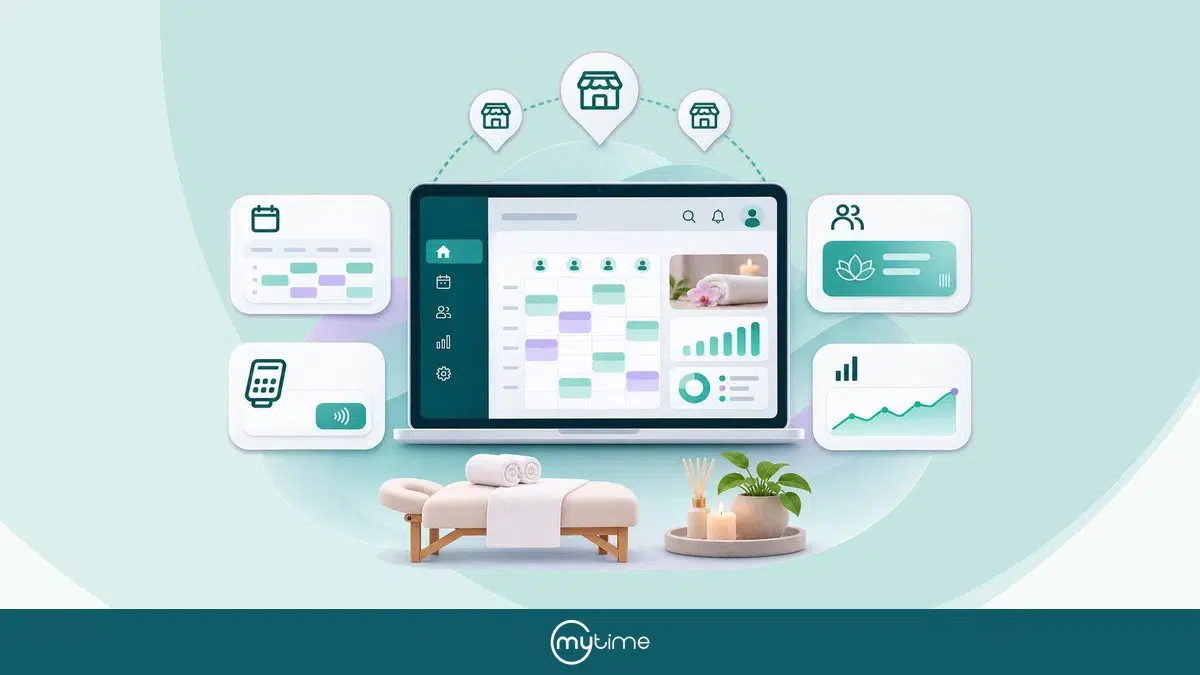


Keep inventory in sync, simplify online order pickup, and connect your retail operations across every location.
Your customers don’t think about separate sales channels. They book an appointment, purchase a product online, pick it up at their nearest location, and expect everything to work together.
For service businesses that sell products both in-store and online, delivering that experience requires more than a website and a point-of-sale system. Inventory, orders, and customer information need to stay connected.
The MyTime + Shopify integration brings these operations together, connecting your Shopify ecommerce store with MyTime’s inventory management, point-of-sale, and customer management tools.
Whether you operate a single salon, a growing med spa brand, or a multi-location franchise, you can support online retail sales while keeping day-to-day operations connected.
How does MyTime integrate with Shopify?
MyTime connects your Shopify store with your physical locations, allowing inventory quantities and product information to stay aligned across both systems.
Each MyTime location is mapped to a corresponding Shopify location, so product availability reflects the stock at the appropriate store. When products are sold through Shopify, inventory is adjusted in MyTime. When inventory changes in MyTime, those updates are sent to Shopify.
The integration also supports Buy Online, Pick Up In Store (BOPIS) workflows, with optional capabilities to bring online orders into MyTime POS reporting, synchronize eligible gift cards, and connect customer records. Advanced configurations can also support connected shopping and booking and location-specific pricing.
The result is a more connected way to manage retail activity across your business.
Keep product inventory in sync across every location
Managing inventory across physical stores and an ecommerce website can quickly become complicated, especially when several locations sell the same products.
With MyTime and Shopify, your teams can work from connected inventory information instead of manually updating stock between systems.
When a product is sold, received, or adjusted in MyTime, updated inventory quantities are sent to Shopify, typically within moments. Shopify orders also adjust inventory in the connected MyTime location as they are processed. The precise fulfillment trigger should be confirmed with Engineering. Manually changing stock quantities in Shopify does not update MyTime inventory.
The integration also synchronizes product details, including descriptions, images, and discontinued status.
With optional automatic product synchronization, MyTime can create new products and product variants in Shopify and keep applicable prices current as catalog information changes. Businesses can control which products are available online and at which locations. Products are matched using SKU codes or configured UPC matching.
And when online purchases reduce inventory below a configured threshold, MyTime’s existing low-stock and out-of-stock alerts continue to work.
Why it matters: Your teams spend less time maintaining inventory across systems and have a clearer picture of product availability at each location.
Offer Buy Online, Pick Up In Store with MyTime POS
Customers increasingly expect the flexibility to shop online and collect their purchases at a convenient location.
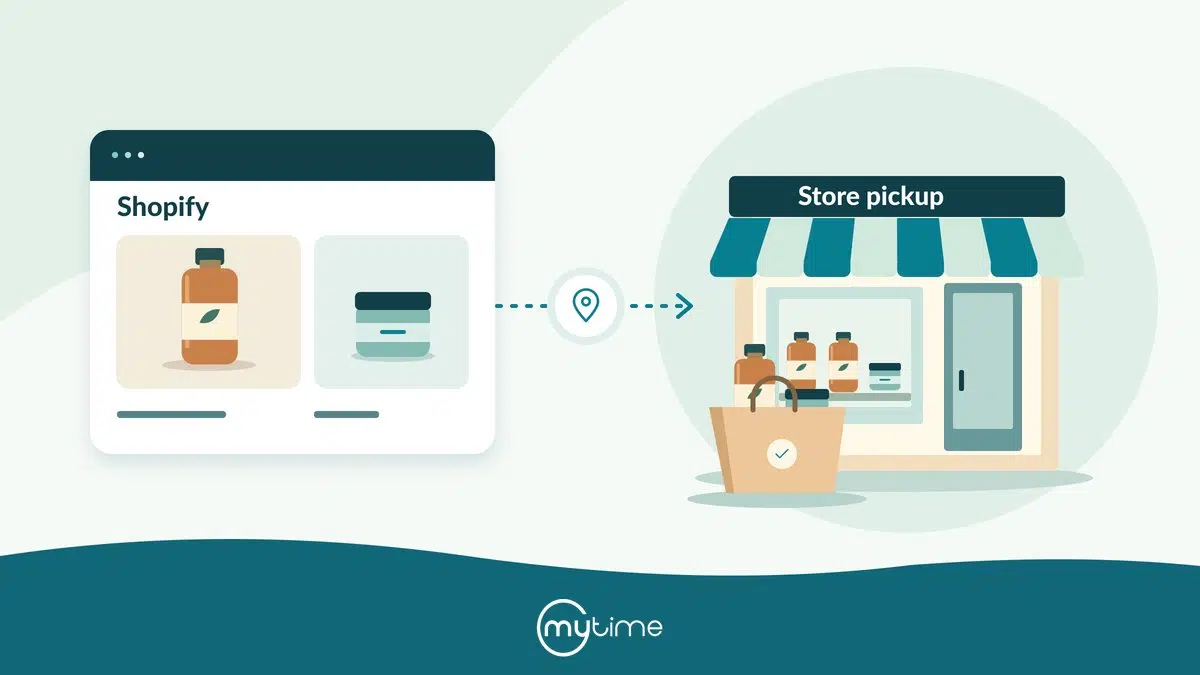
The MyTime + Shopify integration supports Buy Online, Pick Up In Store (BOPIS), allowing staff to manage Shopify pickup orders directly from MyTime POS.
When a customer places an eligible pickup order, staff can view the order, see the products purchased, and track its progress through fulfillment.
- Ordered: The customer completes their purchase through Shopify.
- Preparing: Staff gather the products for pickup.
- Ready for Pickup: Staff update the order in MyTime, which updates Shopify and triggers the customer’s ready-for-pickup notification.
- Picked Up: Staff confirm collection, and the order is fulfilled in Shopify.
The Preparing state is internal to MyTime rather than an update sent to Shopify. Staff can also print a product pick list and access the customer’s matching MyTime client profile.
Why it matters: Your front-desk and retail teams can manage online pickups within a familiar MyTime workflow while Shopify stays updated.
See Shopify sales alongside your in-store business
For operators managing multiple locations, understanding retail performance means looking beyond what happens at the register.
With optional Shopify order synchronization, online purchases can appear as tickets in MyTime POS.
These read-only tickets include purchased products, applicable discounts, shipping, taxes, and Shopify payment information. When an eligible order changes in Shopify, the corresponding MyTime ticket is updated. Clients are matched by email, with a MyTime record created if no match exists.
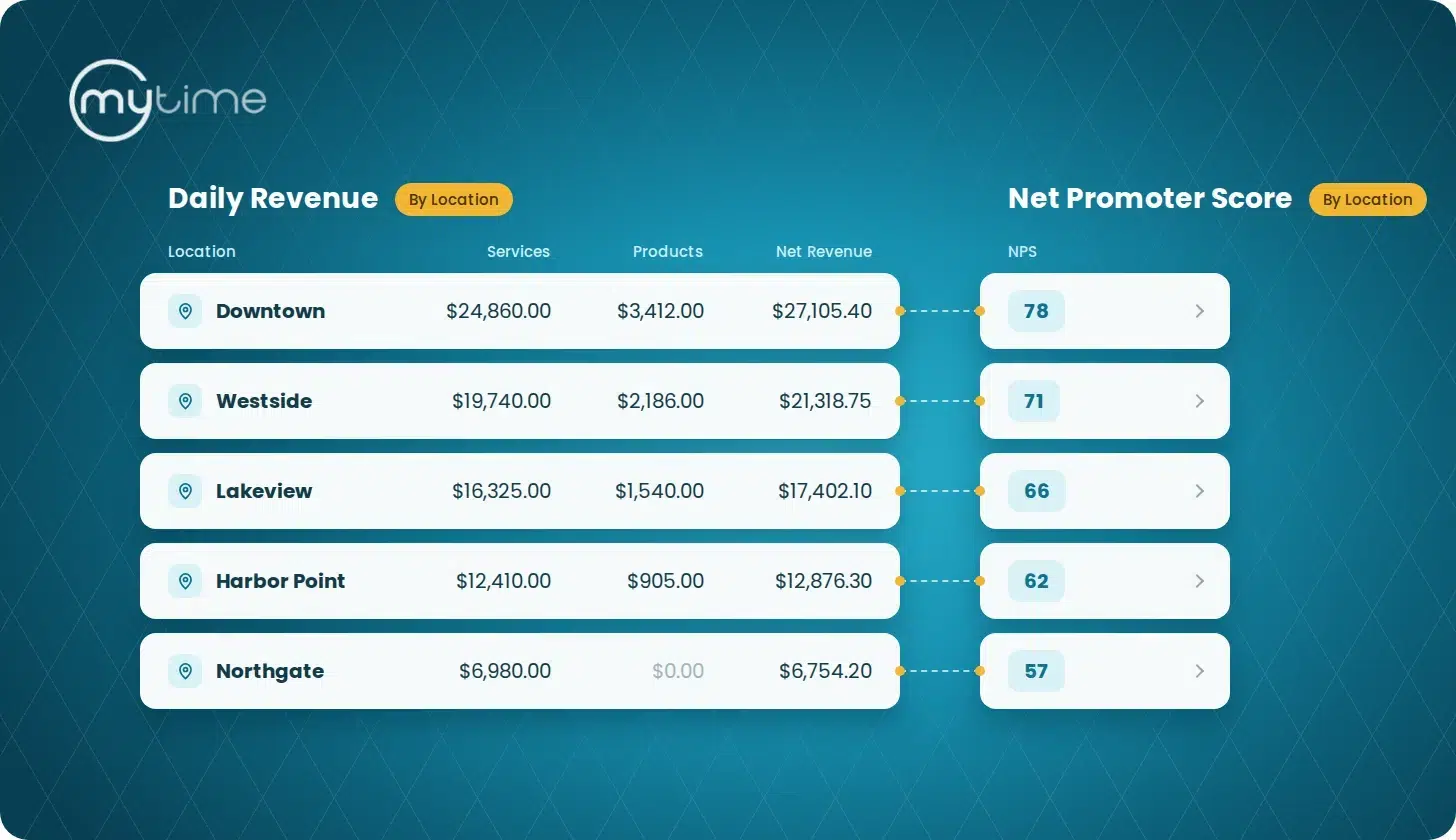
This allows businesses to see Shopify sales alongside in-store activity in MyTime reporting, with the ability to filter Shopify orders separately.
Shopify remains the system where online orders are modified and refunded, while MyTime provides additional visibility into those transactions.
Why it matters: Operators gain a more connected view of online and in-store sales without having to treat ecommerce activity as an entirely separate reporting workflow.
Connect gift cards across your online store and physical locations
A customer purchases a gift card online and wants to use it at their next appointment. Another buys one in-store for someone who prefers shopping online.
With optional MyTime + Shopify gift card synchronization, businesses can support both experiences through a connected gift card program.
Eligible gift cards sold through MyTime can be created in Shopify, and supported gift cards purchased through Shopify can become available for in-store redemption.
Redemptions and applicable balance changes stay synchronized between the two systems, making it easier to offer a consistent gift card experience across channels.
Why it matters: Customers gain more flexibility in how they purchase and redeem gift cards, helping your business connect its online and in-store customer experience.
Keep customer accounts and purchase history connected
Understanding your customers becomes more valuable when their interactions extend beyond a single appointment or purchase.
The integration can create matching Shopify customer accounts for clients who register through MyTime’s online booking experience.
With the relevant setting enabled, staff can view Shopify order information directly within MyTime client profiles, including order dates, statuses, and purchased items.
For businesses offering online pickup, MyTime can match the Shopify buyer to an existing client profile using their email address.
This helps connect ecommerce activity with the customer information your teams already use to deliver personalized service.
Connect online shopping and appointment booking
For eligible Shopify storefront configurations, an embedded MyTime booking experience can support a shared customer sign-in. Customers shopping while signed into Shopify can open MyTime booking without logging in again, while a booking account created through the configured widget can also connect to a Shopify account. This capability requires additional setup and may have Shopify plan restrictions; confirm availability with your MyTime team.
Why it matters: Customers can move more smoothly from purchasing products to booking their next service.
Why it matters: Your staff gain useful visibility into customers’ online purchases without needing to switch between systems simply to review order history.
Built for multi-location and franchise retail operations
As service businesses expand, the challenge isn’t simply adding new stores. It’s maintaining connected operations as sales channels and locations multiply.
MyTime allows franchise and multi-location businesses to connect their locations to Shopify through the main account, with each MyTime location mapped to one Shopify location.
This structure helps keep inventory quantities specific to each location while supporting a connected ecommerce operation. For brands that need additional flexibility, advanced Shopify configurations can also support location-specific product prices and route fulfillment according to the location selected online. This requires merchant-specific storefront and Shopify configuration, rather than standard setup.
Whether your brand sells professional haircare products, skincare, wellness merchandise, or pet care essentials, the integration helps connect online retail activity to the locations where your teams work every day.
How do you connect MyTime with Shopify?
Connecting Shopify begins with your MyTime team.
From Settings > Partner Integration, businesses can enable the Shopify integration. Your MyTime team provides a connection link to install and authorize the app in Shopify; then you can map the corresponding Shopify and MyTime locations and save the connection.
Products are matched using SKU numbers or supported UPC matching, so consistent product identifiers are important for setup.
Your MyTime team can also help configure optional features, including automatic product sync, Shopify orders in POS, gift card synchronization, and connected customer information.
Bring your online and in-store business together
Your ecommerce website and physical locations should work together, not create separate workflows for your staff to manage.
With MyTime + Shopify, you can keep inventory connected, support in-store pickup, and bring more of your retail activity into the same platform you use to manage your service business.
Ready to connect your Shopify store with MyTime?
Learn more about integrating your Shopify account with MyTime here →
Contact your MyTime team to explore the integration and available configuration options, or book a demo to see how MyTime supports connected retail operations across your business.