



A full schedule looks like a win. It can also hide lost demand.
When clients cannot find the service, class, provider, or time window they want, they often leave the booking flow. Some call the front desk. Many move on. That creates a gap between real demand and confirmed revenue.
Waitlists help close that gap. They give clients a clear next step when availability runs out. They also help teams refill cancellations faster, protect utilization, and see where demand exceeds capacity.
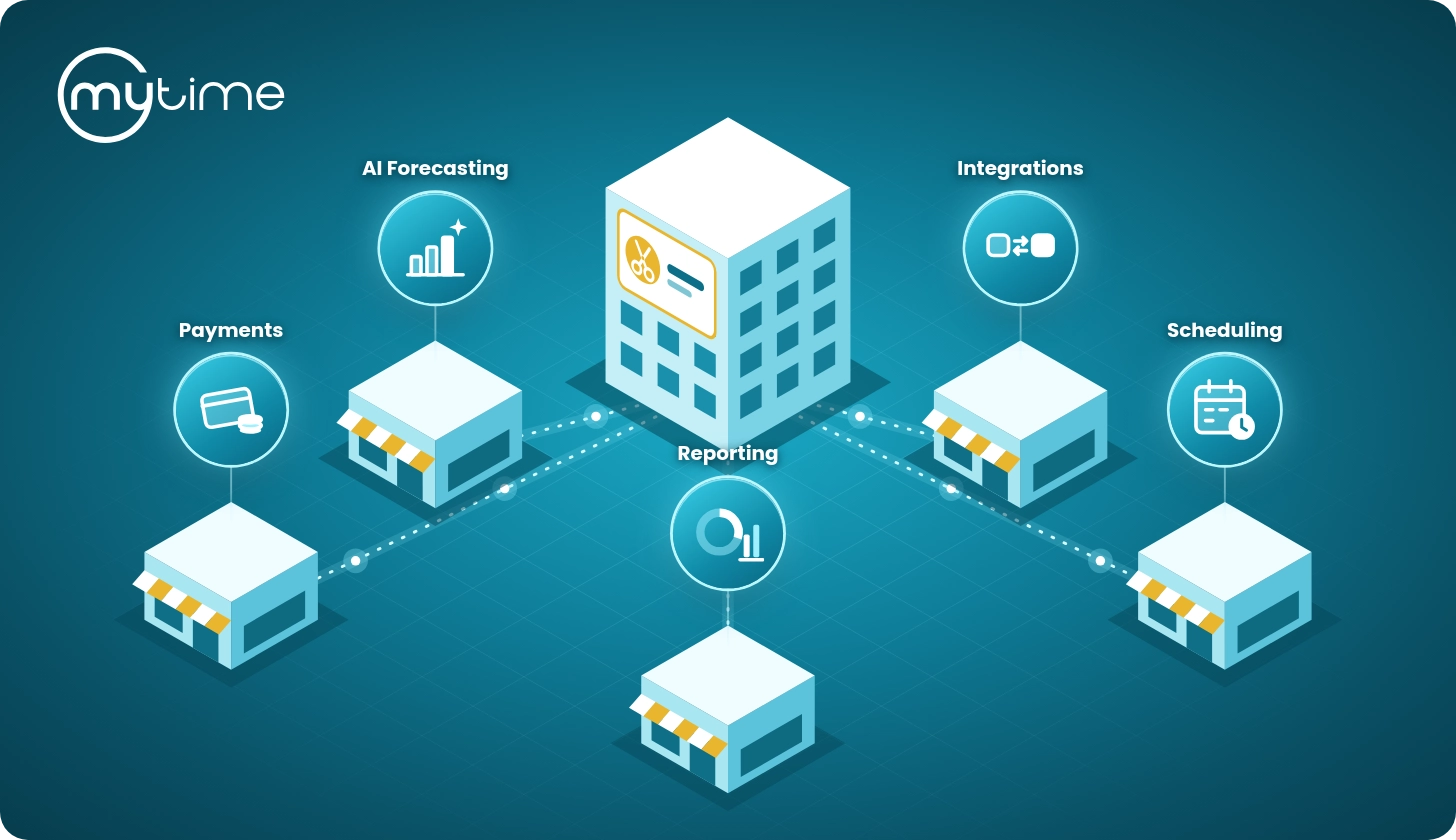
For multi-location service brands, that matters. A strong waitlist workflow does more than collect names. It connects online booking, automated outreach, direct booking links, staff controls, and demand visibility in one scheduling system.
Why full appointment books still leak revenue
“Fully booked” does not always mean fully optimized. A schedule can look full at 9 a.m. and open up by noon after cancellations, reschedules, or no-shows. If staff cannot refill those openings quickly, the business loses valuable capacity.
Appointment-based organizations face this problem across many industries. A 2024 JMIR study says supply-demand mismatch has led large appointment-based organizations to adopt no-show and open-slot tools (JMIR study). The same study notes that manual scheduling and rescheduling can require significant staff labor (JMIR study). It also says busy centers may find manual waitlist maintenance impractical (JMIR study).
That lesson applies to service businesses, too. A salon, spa, pet care brand, learning center, or wellness studio may not use the same operating model as a healthcare organization. Still, every appointment-based business faces a similar capacity problem: time that goes unused today cannot be sold tomorrow.
No-shows and late cancellations make that problem worse. A 2020 review in Risk Management and Healthcare Policy states that no-shows affect resource utilization and reduce anticipated revenue (Risk Management and Healthcare Policy review). The review also says no-shows create mismatch between supply and expected demand (Risk Management and Healthcare Policy review). It warns that naive overbooking can increase overtime and waiting time when teams misjudge expected arrivals (Risk Management and Healthcare Policy review).
That creates a hard choice for operators. They can overbook and risk a poor client experience. They can avoid overbooking and watch open slots go unused. Or they can capture demand earlier and move faster when a spot opens.
Waitlists give teams a better option.
What a waitlist does for appointment-based businesses
A waitlist captures clients who want a fully booked service, class, provider, or time window. When a matching opening appears, the business can notify those clients and invite them to book.
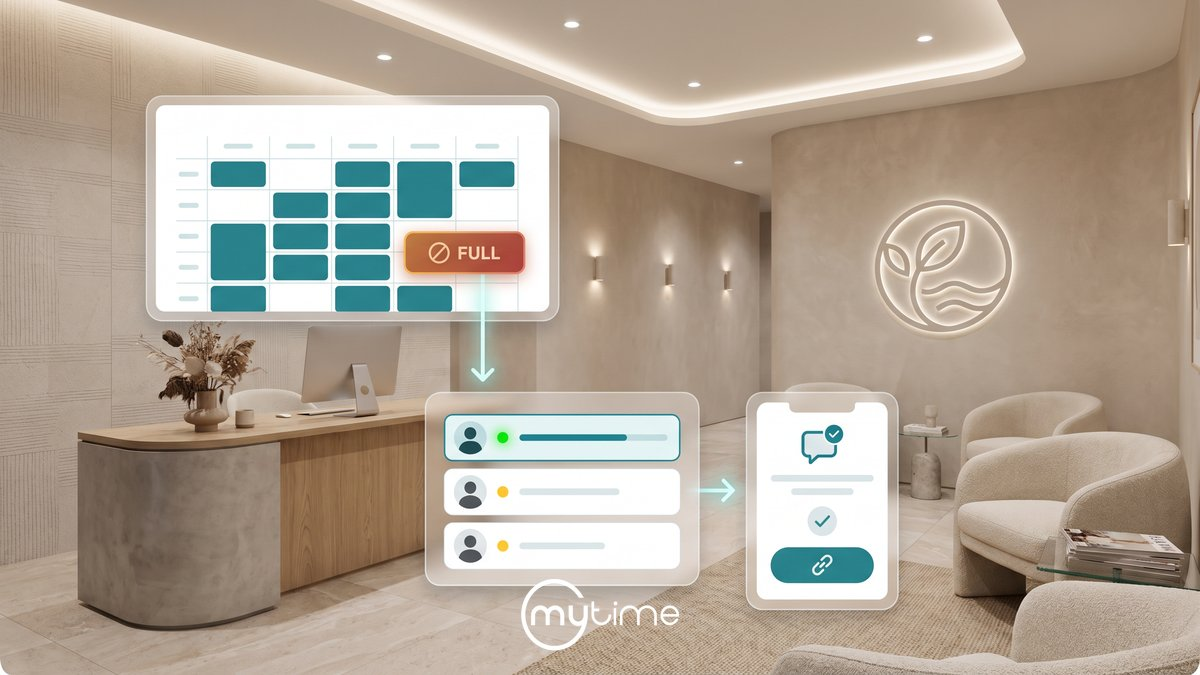
In practice, the workflow looks simple:
- A client wants a full service, class, provider, or time window.
- The client joins the waitlist instead of leaving the booking flow.
- A spot opens because of a cancellation, reschedule, or capacity change.
- The system notifies eligible waitlisted clients.
- The first client to complete booking secures the spot.
That workflow turns “no availability” into “join the waitlist.” It also gives the business a real signal. Instead of guessing whether demand exists, staff can see who wants what, when they want it, and where capacity falls short.
This matters most at scale. Multi-location brands need consistent ways to capture demand across services, classes, locations, providers, family bookings, pet bookings, and walk-ins. A sticky note, spreadsheet, or manual call list cannot support that complexity for long.
How waitlists capture demand before it disappears
The best time to capture demand is the moment a client shows intent. That moment often happens inside online booking. A client chooses a service, sees no preferred opening, and decides whether to keep looking or leave.
MyTime’s waitlist management article says a fully booked schedule can create lost demand when prospective clients see no availability (MyTime waitlist management article). Those clients may leave without booking (MyTime waitlist management article). The article describes MyTime’s waitlist feature as a way to capture demand for service appointments and classes (MyTime waitlist management article). It turns a dead end into a path to booking (MyTime waitlist management article).
MyTime lets clients join a waitlist from within the online booking flow when a service or class is fully booked (MyTime waitlist management article). Clients can also indicate whether they want the next available time or a specific time window (MyTime waitlist management article).
That small shift can change the client experience. Instead of ending at a dead end, the booking flow keeps the client engaged. The brand captures demand while the client still wants to book.
MyTime’s Appointment Scheduling feature page describes Service & Class Waitlist Management for fully booked services and classes (MyTime Appointment Scheduling). Clients can join a waitlist from within the online booking flow (MyTime Appointment Scheduling). MyTime’s Omnichannel Booking page also says clients can join directly from the brand’s booking experience without leaving the booking flow (MyTime Omnichannel Booking).
For service brands, that matters because booking friction kills momentum. The fewer steps clients need to take, the more likely they are to stay connected to the brand.
How waitlists help refill cancellations faster
Speed matters when a slot opens. The longer an opening sits empty, the harder it becomes to fill. A waitlist gives teams a ready pool of clients who already raised their hands.
MyTime’s Service Waitlist Online help article says clients can add themselves to a waitlist when a specific time slot is unavailable (MyTime Help: Service Waitlist Online). They can then receive a notification when a spot opens (MyTime Help: Service Waitlist Online). The article states that this feature helps businesses fill last-minute cancellations and maximize revenue (MyTime Help: Service Waitlist Online). It also gives clients a proactive way to secure preferred times (MyTime Help: Service Waitlist Online).
When an appointment slot becomes available, MyTime sends a waitlist notification to relevant waitlisted clients with a direct booking link (MyTime Help: Service Waitlist Online). That link takes the client to a checkout page with the service, date, and time already selected (MyTime Help: Service Waitlist Online).
That direct path reduces friction. Clients do not need to restart the search. They can move from notification to checkout faster.
MyTime fills spots on a first-come, first-served basis, and the first client to complete the booking secures the available spot (MyTime Help: Service Waitlist Online). MyTime also notes one cutoff rule. Notifications will not be sent if the opening occurs within the business’s advance booking cutoff window (MyTime Help: Service Waitlist Online).
Outside research shows why automation matters at scale. In a 2024 JMIR study, an automated self-rescheduling tool sent 60,660 offers for 21,978 available appointments (JMIR study). The tool produced 6,603 accepted offers, 5,399 completed visits, and 2,576 additional service hours over nine months (JMIR study).
A 2025 automated waitlist study reported 1,019,698 appointment offers for 229,998 appointments sent to 164,248 people (PubMed automated waitlist study). The study reported that 56,636 waitlisted appointments accepted one offer, for an accept rate of 24.6% (PubMed automated waitlist study).
A 2022 Baylor University Medical Center quality improvement study found that late cancellations and no-shows were main causes of lost clinic time (Baylor University Medical Center study). The project included reviewing schedules three to four days in advance and filling cancellations from the waitlist (Baylor University Medical Center study). The team reported a 47% waitlist reduction, from 183 to 87 (Baylor University Medical Center study).
Those studies come from healthcare settings, so service brands should not treat the numbers as salon, spa, pet care, or franchise benchmarks. The operational takeaway still matters. Automated offers can help large appointment-based organizations move open slots to people who already want them.
How class waitlists protect capacity without overbooking
Class-based businesses face a different version of the same problem. A class may hit capacity, then lose seats when clients cancel. If staff cannot reach interested clients quickly, those seats stay empty.
MyTime’s Class Waitlist Online help article says clients can join a waitlist when a class reaches full capacity (MyTime Help: Class Waitlist Online). The article states that this helps fill cancellations, maximize revenue, and avoid overbooking (MyTime Help: Class Waitlist Online).
The Join Waitlist option appears only after a class is fully booked (MyTime Help: Class Waitlist Online). Clients can join the waitlist for multiple sessions, even on the same day (MyTime Help: Class Waitlist Online). They can also select attendee type and number of seats to waitlist (MyTime Help: Class Waitlist Online).
When a class spot opens, MyTime notifies all clients on that class-session waitlist at the same time (MyTime Help: Class Waitlist Online). Notifications can go out by email, SMS, or push notification, based on the Class Session Available automated message settings (MyTime Help: Class Waitlist Online). The email includes a deep link that bypasses class selection (MyTime Help: Class Waitlist Online). It takes the client to checkout with the correct class and attendee types already in the cart (MyTime Help: Class Waitlist Online).
This gives clients a fast path to the open seat. It also helps staff protect class capacity without guessing how many extra people might show up.
How staff stay in control
Automation should not remove staff control. It should reduce manual work and give staff better tools.
MyTime’s waitlist management article says staff can use a dedicated waitlist view in Scheduler (MyTime waitlist management article). That view helps staff manage class capacity and service demand (MyTime waitlist management article). Staff can monitor waitlisted clients and convert entries into confirmed bookings from that view (MyTime waitlist management article).
Staff can also reach out directly through Communicator, and clients can respond via SMS or through the branded guest app (MyTime waitlist management article). That matters when a team wants to handle a high-value client, a complex booking, or a same-day opening with extra care.
MyTime’s Service Waitlist Online help article says staff can view the total number of waitlisted clients in-store (MyTime Help: Service Waitlist Online). Staff can use the waitlist modal for that view (MyTime Help: Service Waitlist Online). Staff can also use the Open Waitlist button on the left-hand schedule panel to view waitlist entries (MyTime Help: Service Waitlist Online).
That combination gives teams a practical balance. Clients can self-serve from the booking flow. MyTime can send automated notifications. Staff still see demand and manage the process.
How waitlists support multi-location and multi-vertical brands
High-scale service brands need waitlist workflows that fit more than one use case. Salon chains may need service waitlists. Learning brands may need class waitlists. Pet care brands may need pet waitlists. Busy walk-in locations may need kiosk support.
MyTime supports multiple waitlist flows across service and class booking. Clients can join service waitlists, choose preferred notification windows, and view waitlisted services in Account > Bookings (MyTime Help: Service Waitlist Online). Clients can also join waitlists for full class sessions and receive class-session notifications when spots open (MyTime Help: Class Waitlist Online).
MyTime also supports family-member waitlists. Clients can add family members to a waitlist when a specific time slot is unavailable (MyTime Help: Adding Family Members to Service Waitlist Online). The article states that clients can choose Morning, Afternoon, Evening, or “I’m flexible. Anytime works” as preferred time windows (MyTime Help: Adding Family Members to Service Waitlist Online).
Pet care brands can use a similar flow. Clients can add pets to a waitlist when a specific time slot is unavailable (MyTime Help: Adding Pets to Service Waitlist Online). The article also says clients can select a pet from their account or add a new pet before choosing a service (MyTime Help: Adding Pets to Service Waitlist Online).
MyTime can group related pet and family waitlist entries when clients select “Use same start time” (MyTime Help: Adding Pets to Service Waitlist Online). Grouped entries appear in the staff waitlist modal and under My Account > Booking > Waitlisted for clients (MyTime Help: Adding Pets to Service Waitlist Online).
MyTime also supports walk-in waitlist workflows. Clients can add themselves to a walk-in waitlist from the booking page after the Walk-in Waitlist is configured on the website (MyTime Help: Online Walk-in Waitlist). In that flow, clients use the booking URL or website book button and select a location and service (MyTime Help: Online Walk-in Waitlist). They can see the estimated wait time, check in, complete intake questions where applicable, and receive a check-in confirmation page (MyTime Help: Online Walk-in Waitlist).
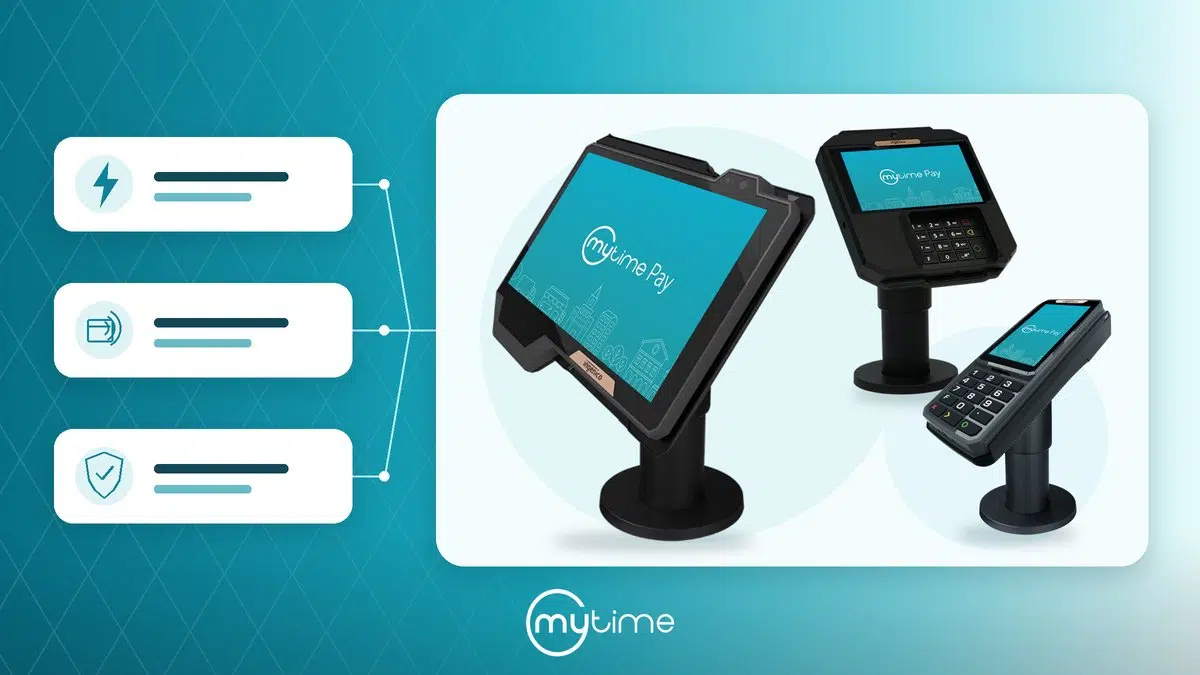
Kiosk waitlists can support walk-in-heavy locations. Clients can use the kiosk to add themselves to the waitlist, schedule an appointment, or check in for an existing appointment (MyTime Help: Walk-in Waitlist/Appointment via Kiosk). They can also view estimated wait times for services (MyTime Help: Walk-in Waitlist/Appointment via Kiosk). The article states that estimated wait time uses selected employee availability, working hours, appointments, and resource availability (MyTime Help: Walk-in Waitlist/Appointment via Kiosk).
This breadth matters for multi-location brands. A single waitlist concept needs to work across different service models, client types, and booking moments.
Waitlist metrics operators should track
Waitlists create a valuable demand signal. Operators should track that signal, not just the final booking.
Useful waitlist metrics include:
- Waitlist joins by service, class, provider, daypart, and location: This shows where demand exceeds capacity.
- Open slots filled from the waitlist: This shows whether the waitlist helps recover cancellations.
- Time from cancellation to booked replacement: This shows how quickly the team can protect utilization.
- Notification response rate: This shows whether clients act on waitlist outreach.
- Waitlist-to-booking conversion: This shows how well waitlist demand turns into revenue.
- Most requested time windows: This helps teams adjust staffing and schedule templates.
- Staff manual outreach time: This shows whether automation reduces front-desk burden.
- Unfilled cancellation rate: This shows how much capacity still slips through.
These metrics help leaders make better decisions. A long waitlist for one service may signal the need for more provider hours. High demand for a certain daypart may support schedule changes. Low conversion may reveal a communication or timing issue.
Without waitlist data, teams often guess. With waitlist data, they can see unmet demand before it becomes a lost client.
Where MyTime fits
MyTime helps service brands manage waitlists inside the same booking and scheduling workflow clients already use. That matters because waitlists work best when they feel like a natural part of booking, not a separate workaround.
For service and class demand, MyTime lets clients join a waitlist when a service or class is fully booked (MyTime Appointment Scheduling). MyTime can automatically reach out when a spot opens that matches a waitlisted client’s preferred time window (MyTime Appointment Scheduling).
For client outreach, MyTime can notify waitlisted clients via email, SMS, or push notification with a direct link to complete booking (MyTime Omnichannel Booking). Staff control stays in the workflow. MyTime provides a dedicated waitlist view where staff can add clients, monitor demand, convert waitlist entries into confirmed bookings, and communicate through Communicator (MyTime Appointment Scheduling).
More complex brands can use several MyTime waitlist workflows. MyTime supports service waitlists and class waitlists (MyTime Help: Service Waitlist Online) (MyTime Help: Class Waitlist Online). It also supports family member waitlists, pet waitlists, online walk-in waitlists, and kiosk waitlists (MyTime Help: Adding Family Members to Service Waitlist Online) (MyTime Help: Adding Pets to Service Waitlist Online) (MyTime Help: Online Walk-in Waitlist) (MyTime Help: Walk-in Waitlist/Appointment via Kiosk).
That gives multi-location operators a connected way to capture demand, refill openings, and keep staff in control. It also helps brands avoid the two common extremes: fully manual call lists on one side and risky overbooking on the other.
FAQs about waitlists and appointment books
How do waitlists help keep appointment books full?
Waitlists capture clients who want a full service, class, or time window. When a matching opening appears, the business can notify waitlisted clients and give them a faster path to book.
What should appointment waitlist software include?
Appointment waitlist software should support online waitlist joining, preferred time windows, automatic notifications, and direct booking links. It should also support staff visibility, client self-management, and reporting by location, service, or class.
How do waitlists help with last-minute cancellations?
When a slot opens, waitlist software can notify eligible clients quickly. A direct booking link helps the first interested client complete the booking before the slot sits unused.
Can waitlists work for classes as well as services?
Yes. A class waitlist lets clients join when a class is full, then receive a notification if a seat opens. MyTime’s Class Waitlist Online help article says clients can join a waitlist when a class reaches full capacity (MyTime Help: Class Waitlist Online).
How does MyTime handle service and class waitlists?
MyTime supports service and class waitlists inside the online booking and scheduling workflow. Clients can join waitlists, receive email, SMS, or push notifications, and use direct booking links when a spot opens (MyTime waitlist management article).
Turn unavailable times into captured demand
Waitlists help appointment books stay full by turning unavailable times into captured demand. They give clients a next step when a service or class fills up. They also give staff a faster way to refill openings when schedules change.
The best waitlist workflows combine client convenience, automated outreach, and staff control. They capture demand inside the booking flow, notify clients when a spot opens, and help teams move quickly before the slot goes unused.
Want to see how MyTime helps multi-location service brands capture demand, refill cancellations, and keep appointment books full with service, class, and walk-in waitlists? Book a demo.