




How the pay data you track in MyTime today can support every location you add tomorrow.
When you’re focused on growing your business, payroll probably isn’t the first thing on your mind. You have a routine that works, and it gets the job done. But every new hire, and every new location, adds more hours, commissions, and tips to that routine.
The good news is that the tools you already use can grow with you. Here’s how MyTime and ADP Workforce Now fit into that picture.
What should you set up before opening your next location?
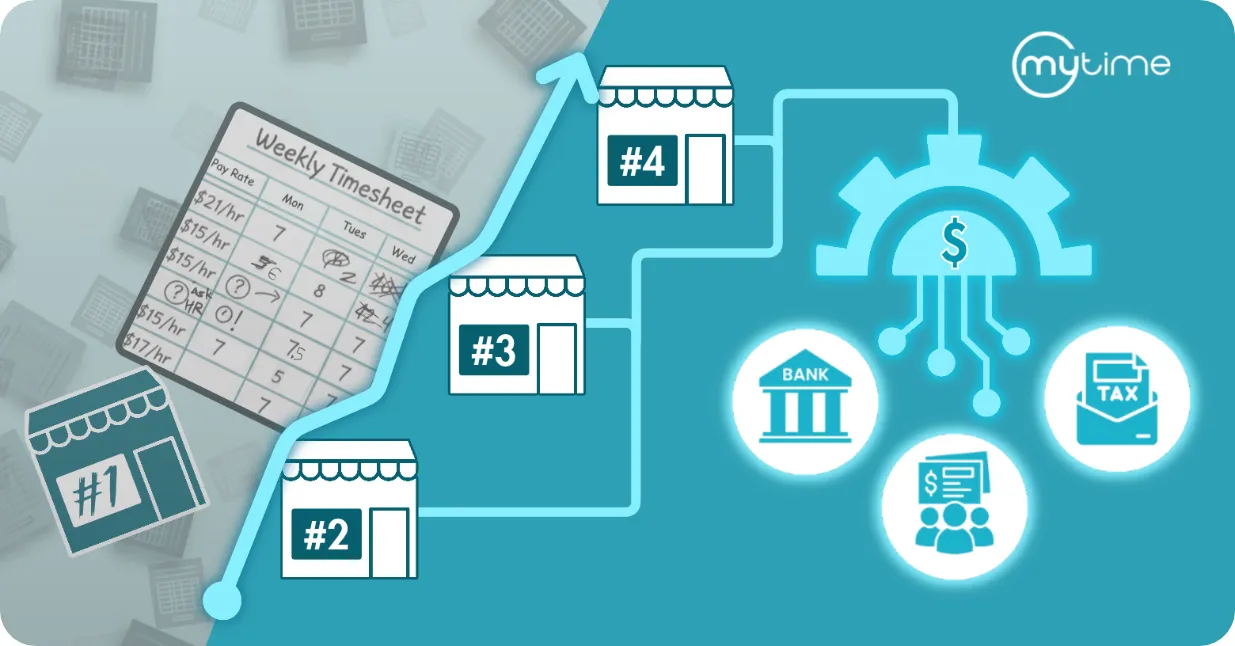
Set up systems that can handle more staff and more locations without adding more manual work. Payroll is one of the most important, because it touches every employee every pay period.
A strong setup has two parts. The first is one accurate place to track what your team works and earns. The second is a way to get that information into payroll without re-entering it by hand.
How can a growing business automate payroll?
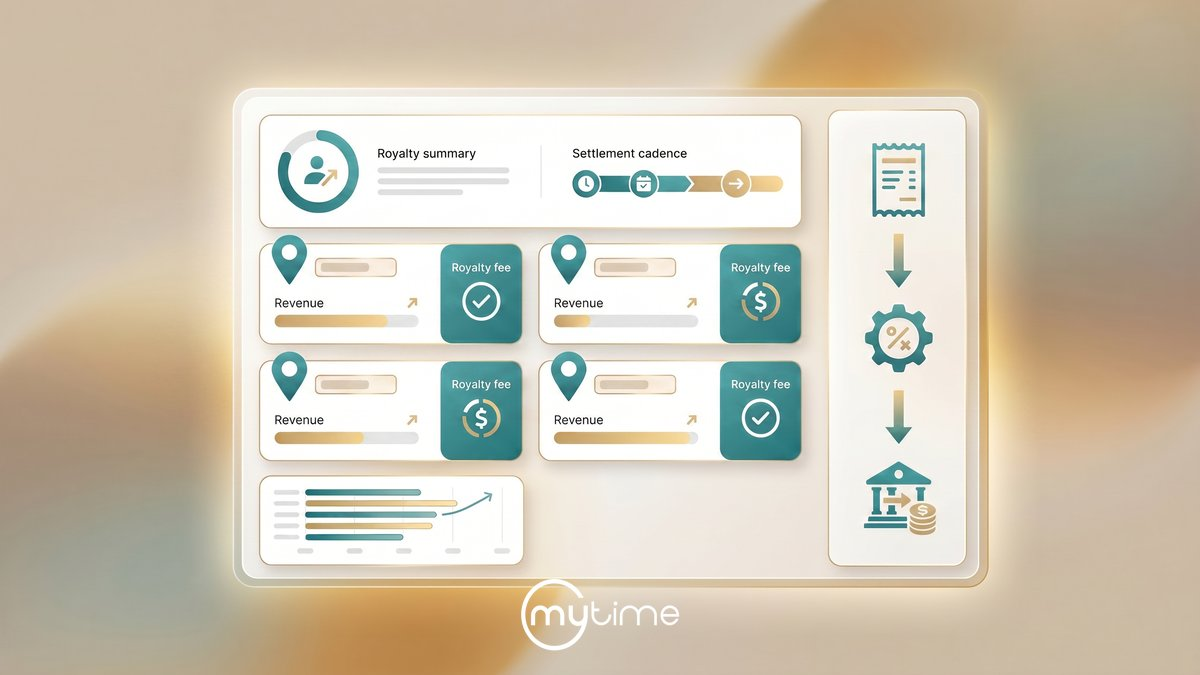
Track your team’s hours and pay in one system, then connect that system to payroll. MyTime connects directly with ADP Workforce Now, so the pay data you track in MyTime moves into payroll automatically.
With the integration in place:
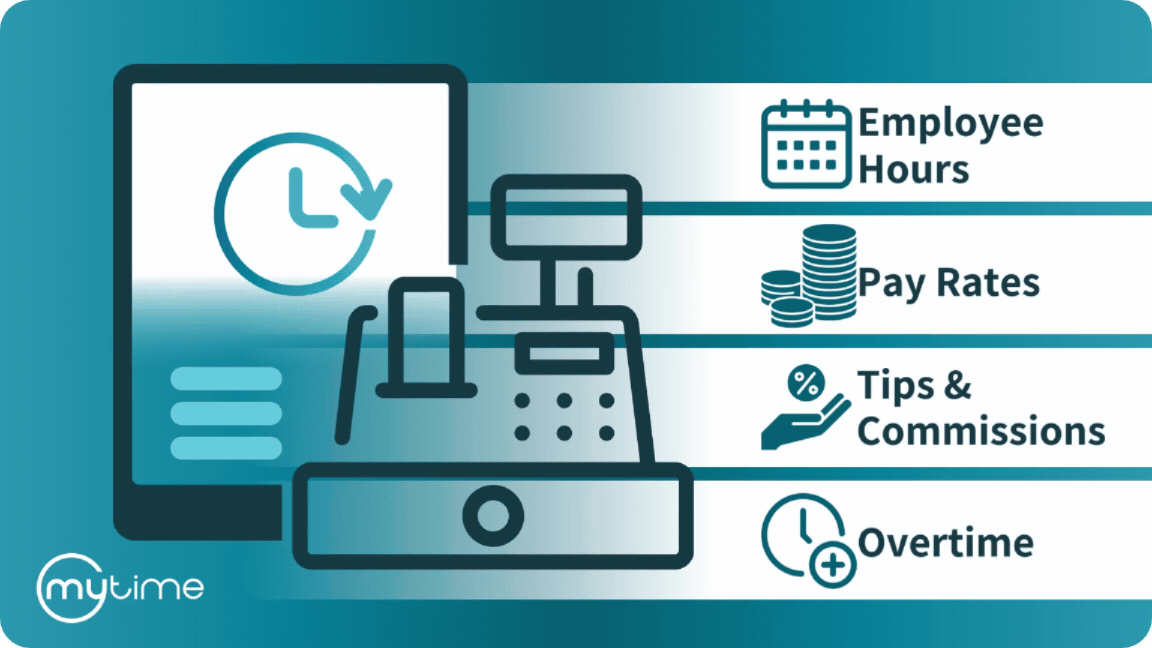
- Hours, commissions, and tips flow into payroll without copying or re-entering them.
- New hires and pay raises carry over from MyTime, so you only update them in one place.
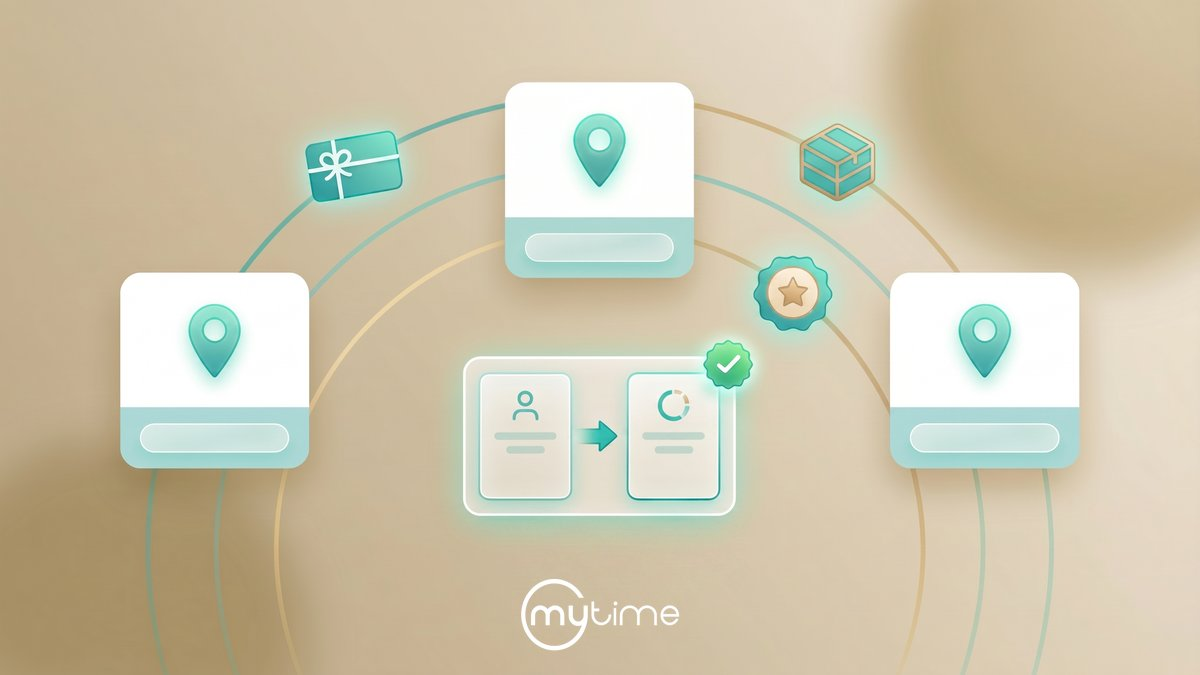
- Each new location connects the same way, so payroll stays organized as you grow.
You still review and approve payroll before it’s processed. The difference is that everything is already there when you sit down to do it.
How do you track commissions and tips for payroll?
Track them in the same place your team already books services and clocks in. MyTime records hours, commissions, and tips as they happen, so you have one accurate record of what everyone earned.
This matters most for service businesses, where one team member might earn hourly pay, commissions, and tips in the same week. When all of that lives in MyTime, the integration sends each type of pay to the right place in payroll.
Where should you start?
Start by tracking time, commissions, and tips in MyTime. These tools are already part of your account, and you’ll see the benefits right away:
- One accurate record of hours and earnings
- Less time spent pulling numbers together for payroll
- Reporting that stays simple as you add locations
That foundation is also what makes the ADP Workforce Now integration work, so you’ll be ready to connect when the time is right.
Is it hard to connect MyTime to ADP Workforce Now?
No. The MyTime Connector is available on ADP Marketplace, and setup is guided step by step inside your MyTime settings. It doesn’t require IT support, and your dedicated Account Manager can walk you through the process.
Frequently asked questions
Can I use MyTime’s time and pay tracking without ADP Workforce Now?
Yes. Time, commission, and tip tracking are part of MyTime no matter which payroll system you use.
Will my team need to change how they work?
No. Your team books services, clocks in, and earns commissions and tips in MyTime just as they do now. The integration works in the background.
Does the integration work with multiple locations?
Yes. Each location you add connects to payroll the same way, so everything stays organized as you grow.
Who can help me plan for this?
Your dedicated MyTime Account Manager can help you set up time and pay tracking and talk through how the integration would fit your plans. For ADP Workforce Now plans and pricing, contact ADP.
Ready to take the next step?
Already using MyTime?
Reach out to your dedicated Account Manager. They can help you start tracking time and pay in MyTime and talk through how ADP Workforce Now fits your growth plans.
New to MyTime?
See how MyTime helps service businesses manage scheduling, staff, and pay from their first location to their next.
ADP, the ADP logo, and ADP Workforce Now are trademarks of ADP, Inc. or its affiliates or licensors. The information in this document was prepared by MyTime and MyTime is solely responsible for its accuracy and completeness. ADP makes no representation as to the accuracy or completeness of any information contained herein.