



Price is often the last thing standing between a client and a purchase. For higher-ticket sales — a package of sessions, a premium treatment, a high-value gift card, a full grooming or wellness plan — the moment of payment is where enthusiasm can turn into hesitation, a smaller sale, or no sale at all. Afterpay changes that math: clients split the cost into installments, while the business gets paid in full, upfront. For franchise and multi-location operators running on Stripe, Afterpay is now a native payment option in MyTime — both at the point of sale and online through the booking widget.
This article explains what Afterpay is, why payment flexibility matters for service businesses, how it works inside MyTime, and how it’s reported so your numbers stay clean.
What is Afterpay and how does it work for businesses?
Afterpay is a “buy now, pay later” payment method that lets a client split a purchase into installments instead of paying the full amount at once. For the client, it’s a way to spread the cost over time. For the business, the important part is what happens on your side: you’re paid the full amount upfront, and Afterpay takes on the installment plan and the collection risk.
MyTime is the franchise management platform for service brands in beauty, wellness, pet care, fitness, and education, and Afterpay is now built into MyTime for companies that process payments through Stripe. That means offering installment payment doesn’t require a separate system or a change to how staff take payment — it’s simply another option, in the POS and in your online booking widget.
Why does payment flexibility matter for service businesses?
Higher-ticket purchases are where hesitation shows up. A client who is happy to book a single session may pause at a multi-session package, a premium service, or a high-value gift card — not because they don’t want it, but because the full amount at once feels like a lot in the moment. That pause is where sales get downsized or lost.
Offering a way to pay over time removes that friction at exactly the point it matters. The client commits to what they actually want, the business captures the full sale, and the payment experience feels modern and accommodating. For franchise brands competing on client experience, meeting the payment expectations clients increasingly bring from retail and e-commerce is part of staying current.
How do clients pay with Afterpay in the POS?
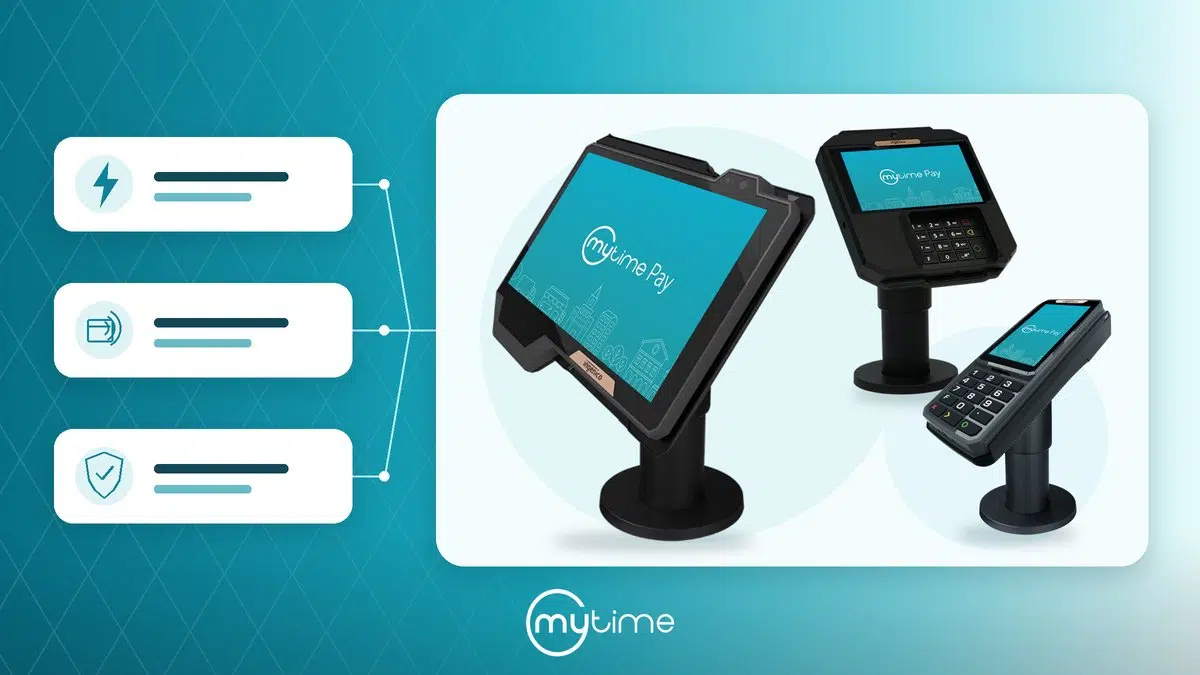
Afterpay fits into the checkout staff already know. When a Stripe-connected company has Afterpay enabled, an Afterpay option appears on the Take Payment screen alongside credit card and other methods, for tickets within Afterpay’s supported range. Staff select it and start the charge exactly as they would any other payment.
From there, the client approves the payment on their own device:
- Staff send a secure approval link by email, Communicator, or a shareable link they can copy and pass along, with the client’s contact details prefilled from their profile. Sending via Communicator reaches the client on whatever channel they already use — SMS, email, or a push notification to your branded guest app — so the link lands wherever they’re most likely to see it.
- The client opens the link, which brings up a simple approval page — no login required, and readable on any phone.
- The client approves through Afterpay, and the payment settles back in POS, where the ticket updates to show it was paid.
The whole flow keeps the client in control of their own approval while staff stay in the familiar POS workflow. Nothing about taking a card payment changes. At the point of sale, Afterpay can be used across the services, packages, and gift cards a client is buying at checkout. For a step-by-step walkthrough, see Checking Out via Afterpay in POS.
How do clients pay with Afterpay online?
Afterpay is also available in your online booking widget, where clients can choose it at checkout when buying gift cards and packages. After signing in and selecting the item, the client picks Afterpay as their payment method, enters their name and email, and completes the purchase to authorize their payment plan. Once approved, the page refreshes to confirm the purchase with a full payment breakdown.
Online, Afterpay is designed for gift card and package purchases — the higher-value items where paying over time makes the difference — rather than appointment or class bookings. It gives clients the same flexibility on your website that they get in-store. For the full process, see Checking Out With Afterpay via Booking Widget (Online).
When is the business paid?
Right away. Afterpay settles like a card payment: the business receives the full amount upfront through Stripe, following your regular bank payout schedule, while Afterpay manages the client’s installment schedule separately. The operator isn’t waiting on installments and isn’t carrying the risk if a client’s plan lapses — that sits with Afterpay.
Because it settles like a card, the parts of your operation that already handle card payments keep working the same way. Refunds follow the same path as other payments — full or partial, processed from the Closed Tickets tab in POS — and flow back through Afterpay to credit the client’s installment plan automatically. Reconciliation is unaffected.
How is Afterpay revenue reported?
Afterpay is tracked as its own tender category rather than being grouped in with credit card. That distinction matters for operators who want to understand what’s actually driving sales. Afterpay payments appear as Afterpay in the Daily Payments report, flow through to the Business Snapshot payment breakdown, and are reported as their own type in the POS Accounting export.
The result is clean, accurate visibility: you can see how much revenue Afterpay is generating across your locations without it being hidden inside your card totals, and without manual cleanup to separate it out. Revenue totals and your existing card, cash, and other tender categories are unaffected.
Is Afterpay a good fit for every transaction?
Afterpay is designed for the purchases where paying over time makes the difference — the higher-ticket services, packages, gift cards, and products a client is buying, whether in-store or online.
It isn’t intended for recurring billing like membership renewals, since an installment payment method can’t be stored to bill future charges automatically. For those, saved cards and bank-account (ACH) billing remain the right tools. Afterpay’s role is at checkout, where flexibility helps close the sale in the moment.
A modern checkout that helps close the sale
The brands that convert higher-ticket sales are the ones that make saying yes easy. Afterpay gives franchise operators on Stripe a way to offer clients the flexibility to pay over time while the business is paid in full, upfront — in the same POS checkout staff already use and in the online booking widget, and reported cleanly so the numbers stay clear. It’s a modern payment option that works for the way service businesses actually sell.
Frequently Asked Questions
What is Afterpay?
Afterpay is a “buy now, pay later” payment method that lets clients split a purchase into installments. The business is paid the full amount upfront, while Afterpay manages the client’s installment plan and takes on the collection risk.
How does Afterpay work in MyTime?
For Stripe-connected companies with Afterpay enabled, Afterpay appears as a payment option on the POS Take Payment screen for eligible tickets, and online in the booking widget for gift card and package purchases. In POS, staff start the charge and the client approves through a secure link sent by email, Communicator, or a shareable link; online, the client selects Afterpay and completes the purchase to authorize their plan.
When does the business get paid with Afterpay?
Immediately. Afterpay settles like a card payment — the business receives the full amount upfront through Stripe, and Afterpay handles the client’s installments separately.
Does taking an Afterpay payment change the checkout process for staff?
No. In POS, Afterpay appears as another option on the Take Payment screen. Staff take it much like a card payment, and card, cash, and other payment methods work exactly as before.
Can clients use Afterpay online?
Yes. Afterpay is available in the online booking widget for gift card and package purchases. It isn’t offered for online appointment or class bookings or membership purchases.
How is Afterpay shown in reporting?
Afterpay is reported as its own tender category in the Daily Payments report, the Business Snapshot, and the POS Accounting export, so it isn’t grouped in with credit card and operators can see its impact clearly.
Can Afterpay be used for membership billing?
No. Afterpay is a checkout payment method and can’t be stored for recurring charges, so it isn’t used for membership renewals. Saved cards and ACH remain the options for recurring billing.
Ready to offer more flexible checkout across your locations? Book a demo to see how Afterpay works in MyTime.