



Franchise brands standardize almost everything. The service menu, the pricing, the booking flow, the way a location looks when a client walks in. Checkout is the exception. What a client gets offered before they pay depends on what the person at the register remembers to bring up.
That gap is expensive. Add-ons, memberships, retail, and late fees are small on their own, but they come up on every ticket, at every location, during the busiest stretch of the day. When they get skipped, the lost revenue never shows up in a report, because an offer that was never made leaves nothing behind to count.
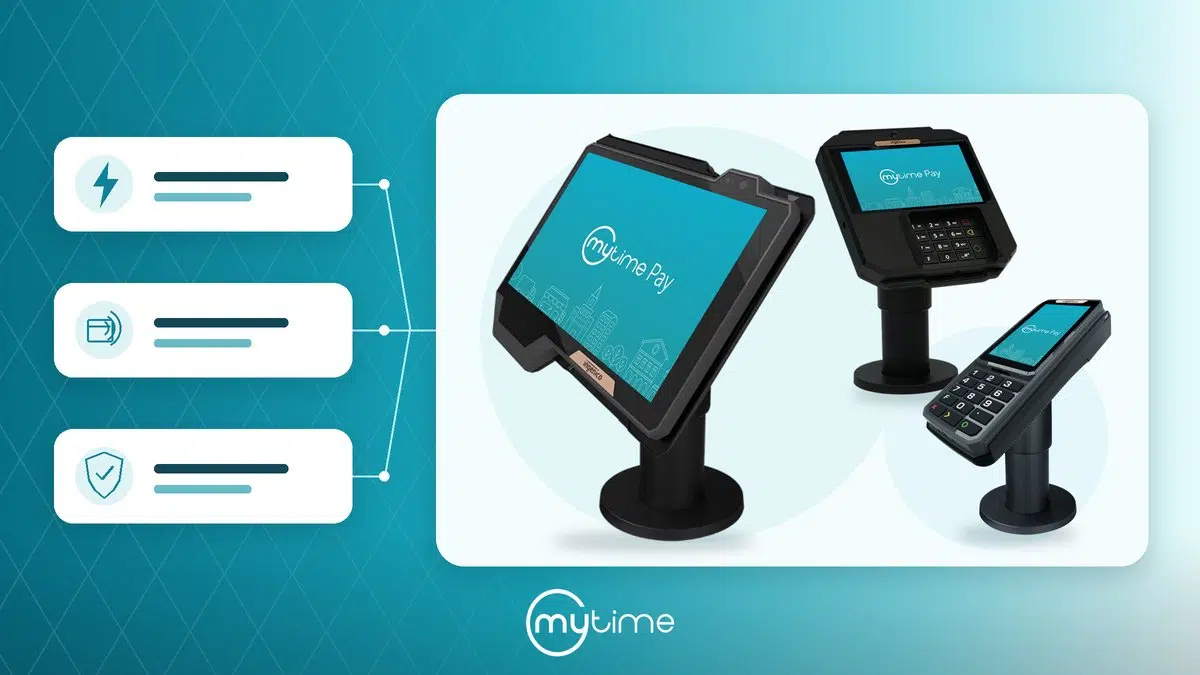
MyTime’s Checkout Prompts close that gap. Operators set rules for what should be offered and when, and MyTime POS surfaces the suggestion on screen as staff take payment. This article covers how the feature works, the problems it solves, and why running it inside the MyTime platform makes it more than a generic upsell tool.
What are checkout prompts?
Checkout prompts are rules that tell MyTime what to suggest at the register and when to suggest it. Each rule has two parts: a condition that decides when the prompt appears, and the items it offers when that condition is met.
The condition can be based on the time of day, the day of the week, or the ticket total. It can also depend on what the ticket already contains, so a rule can require certain services, memberships, packages, or products to be present, or absent. A grooming ticket after 5pm is a condition. So is a ticket over $200 that doesn’t already include a membership.
What the prompt offers can be a service, an add-on, a membership, a package, a retail product, a gift card, or a custom fee. Operators build as many rules as they need and turn individual ones on or off without deleting them.
Why does average ticket value slip at checkout?
Ticket value slips because upselling depends on staff memory, and memory is unreliable at the busiest moment of a shift. The client is waiting, the front desk is moving, and the add-on that should have been offered gets skipped.
Most brands treat this as a training problem. They decide what should be offered, communicate it to every location, and hope it gets executed. But training has to be repeated with every new hire, and even well-trained staff are inconsistent when checkout gets busy. The result is upsell performance that varies from one location to the next and from one day to the next.
Checkout prompts remove the dependency on memory. The suggestion comes from the system, so it appears at the same rate on a slow afternoon as on a fully booked Saturday, at every location, without anyone having to remember it.
How does automated add-on suggestion work at the register?
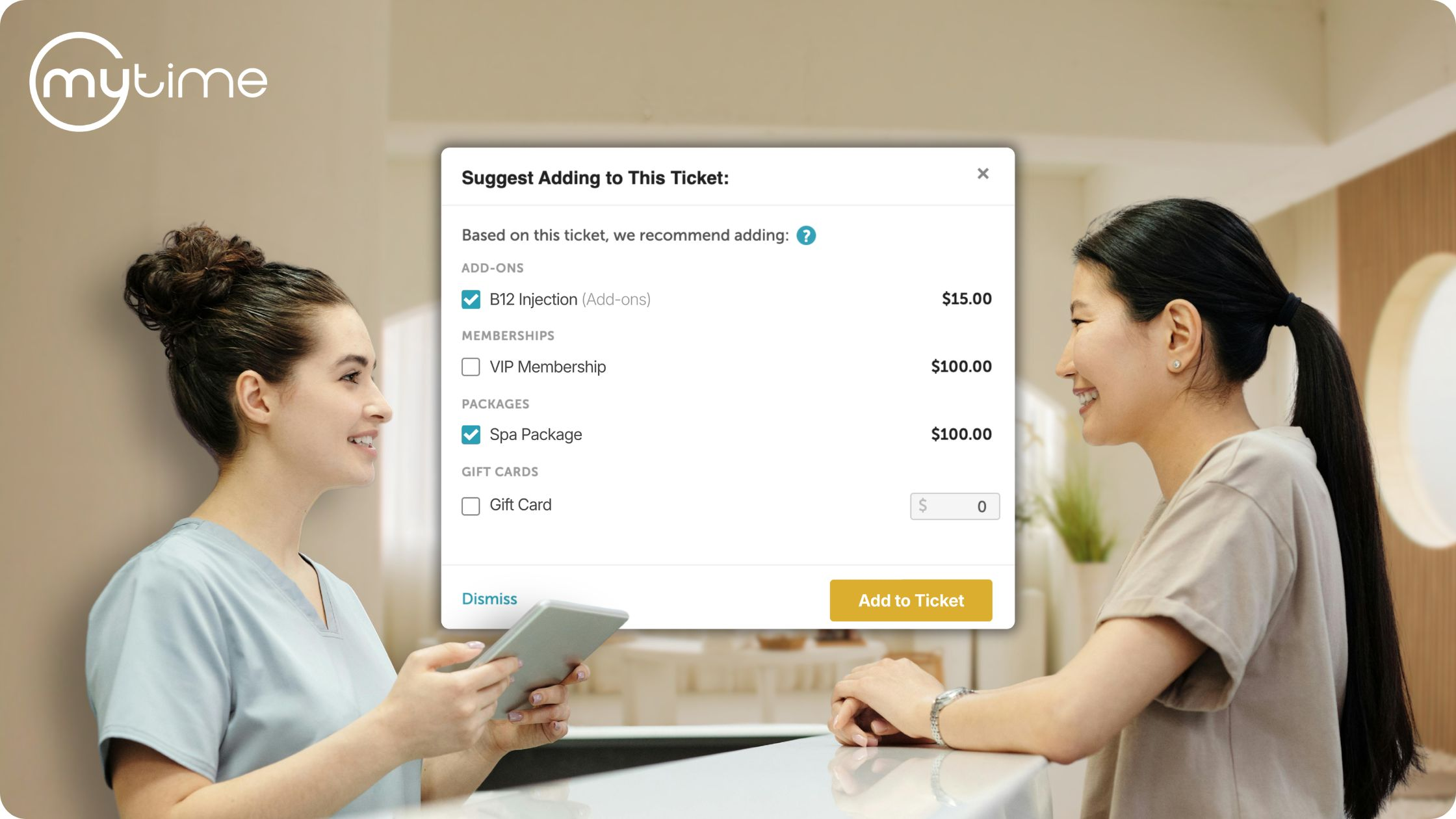
When staff take payment, MyTime checks the ticket against every active rule and shows any matches in a single window, each with its price. Staff can see which rule triggered each suggestion, check the items the client wants, and add them to the ticket before continuing to payment. If nothing fits, they dismiss the window and carry on.
The prompt appears once per ticket, so no client is asked the same question twice in one visit. Staff take payment the way they always have. The only change is that the right thing to offer is now in front of them instead of in their heads.
For a step-by-step walkthrough of building your first rule, see our checkout prompts help article.
How can franchises collect late fees without the awkward conversation?
Late fees are the clearest case for checkout prompts, because the fee is already agreed to and still rarely gets charged. Charging it means a staff member choosing to raise an extra cost with a client standing in front of them, and most people avoid that.
Checkout prompts change who raises it. An operator defines the fee by name and amount inside a rule, with no need to create a separate product or service for it. When the condition is met, such as a pickup after a set time, the fee appears as a suggestion like any other item. Staff confirm it instead of introducing it, which turns an uncomfortable ask into a routine line on the ticket.
For brands with fees written into policy but missing from revenue, this is usually the first rule worth building.
What should you suggest, and when?
The prompts that work are tied to something real about the ticket. Prompting on everything trains staff to click past the window, which is how most upsell tools end up ignored. Because MyTime rules are conditional, every prompt has a reason behind it.
A few examples that hold up across different types of businesses:
- Pet care. A late pickup fee after a set time. A bath and brush suggested on daycare tickets. A nail trim on grooming tickets that don’t already include one.
- Beauty and salon. Take-home retail suggested on color and treatment services, where the product protects the result the client just paid for.
- Wellness and med spa. A membership on any ticket over a set amount that doesn’t already include one, where the savings are most obviously in the client’s favor.
- Fitness and education. A package suggested on single-session tickets, turning a one-time visit into a commitment.
How do add-ons work for clients with multiple pets or family members?
Each pet or family member on a ticket is treated as its own appointment, so add-ons attach to the right one. An add-on suggestion only appears when the ticket has a service it can attach to, and staff choose which appointment receives it from a list showing the client, the time, and the pet where relevant.
That means a ticket with two dogs can have a nail trim on one and a de-shed on the other. The same add-on can also go to several appointments at once when that’s what the client wants, and staff assignment carries over from the parent service automatically.
Why does it matter that checkout prompts run inside the MyTime platform?
It matters for two reasons, and both separate MyTime from a bolt-on POS upsell tool.
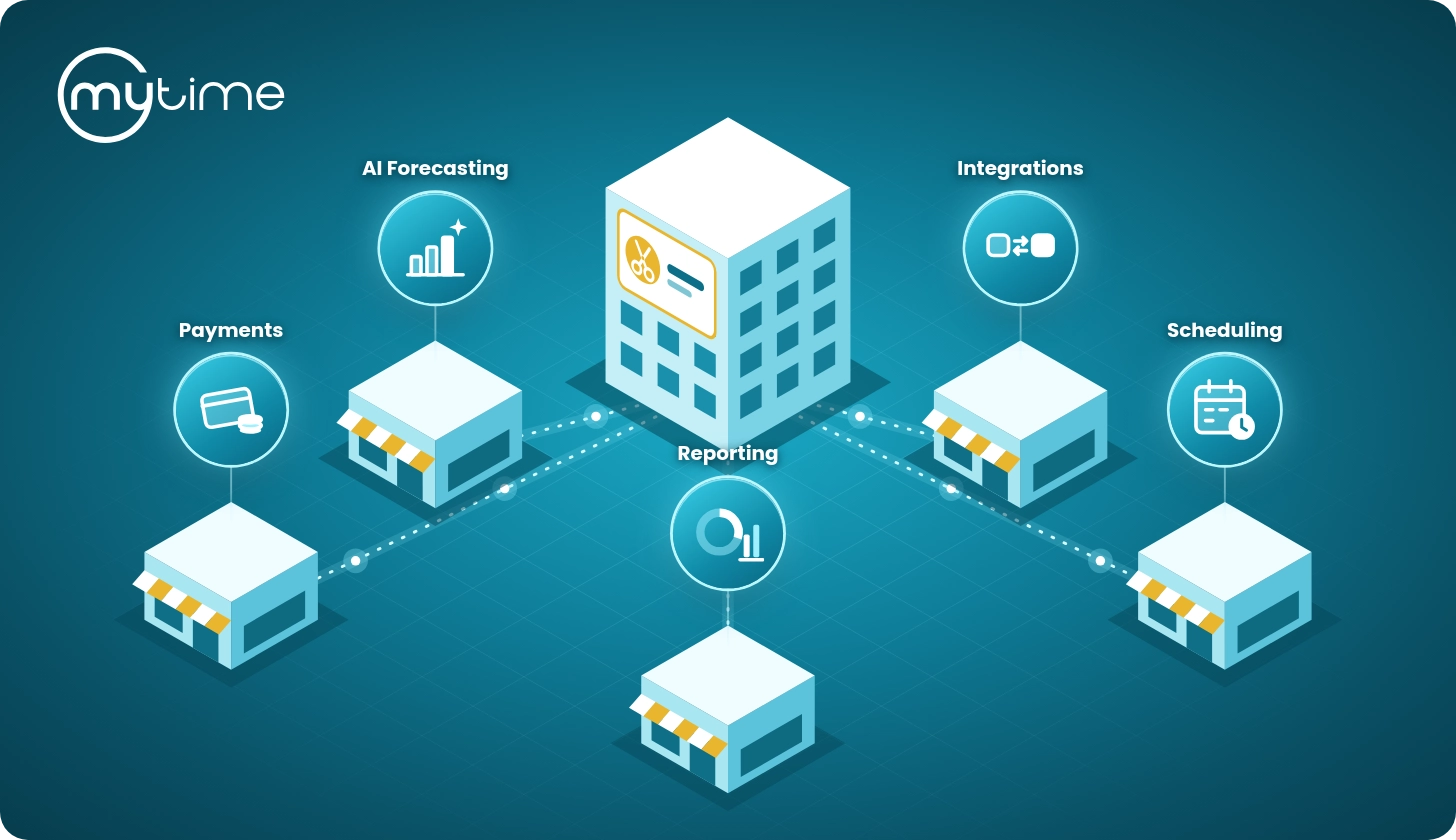
The first is that the rules can be specific at all. A prompt that depends on what’s already on the ticket only works when checkout, the schedule, and the client record are the same system. A standalone POS knows the dollar total and little else, which is why standalone upsell tools show everyone the same list.
The second is what happens after an item is added. Anything accepted through a prompt is created as the correct kind of record, not a generic line item. A service becomes a real appointment with staff assigned. A membership becomes a membership the client can use, with its benefits and billing. A package becomes a package with sessions to draw down. A product moves through inventory. Without that, revenue lands in the daily total and then disappears from client history, reporting, and stock counts. Checkout prompts add revenue without creating cleanup.
Turning checkout into a consistent revenue lever
Most of what a brand wants to happen at the register is already decided. It just isn’t executed consistently, and the shortfall is invisible because nothing tracks an offer that was never made.
Checkout prompts make execution a property of the system instead of the individual. The same standard runs on every qualifying ticket, at every location, no matter who is working, and every item added stays correct across the rest of the platform. That is what turns checkout from a variable into a reliable source of ticket growth, and setting it up takes minutes.
Learn more on the MyTime Help Center.
Frequently asked questions
What is a checkout prompt in MyTime?
A rule that suggests items to add to a ticket at the point of payment. Operators define when the prompt appears, based on the time of day, day of week, ticket total, and what the ticket contains, and which items it offers.
What can be suggested through a checkout prompt?
Services, add-ons, memberships, packages, retail products, gift cards, and custom fees defined by name and amount.
Can MyTime charge a late fee automatically?
The fee is surfaced automatically when the rule’s condition is met, and staff confirm it at checkout. A person stays in the loop, but no one has to raise the charge on their own.
Will staff be prompted more than once on the same ticket?
No. The prompt appears once per ticket.
How do add-ons work when a client has multiple pets?
Each pet is its own appointment, so staff choose which appointment an add-on attaches to. Different add-ons can go to different pets on the same ticket.
Does this work across all of our locations?
Yes. Rules are configured for the business and applied at the register, so the same standard runs at every location.
Ready to increase average ticket value across your locations? Book a demo.