



Staff scheduling gets harder every time a service brand adds another location.
At one location, a strong manager may know who works best on Saturdays, who can take which service, which room is usually overbooked, and when the schedule is too thin. Across multiple locations, that local knowledge needs structure. Otherwise, the brand ends up with uneven coverage, inconsistent brand experiences, idle time, overworked top performers, frustrated staff, and clients who cannot find the right appointment.
Multi-location service brands manage staff scheduling by standardizing the rules that matter, keeping staff availability current, mapping staff to the services they can perform, aligning coverage with appointment demand, and tracking utilization across locations. Local managers still need flexibility, but they also need a clear system for schedules, time-off requests, service eligibility, appointment changes, rooms, resources, and reporting.
The goal is not just to fill shifts. Strong scheduling makes sure the right staff are available for the right services, in the right location, at the right time.
Why staff scheduling is harder across multiple locations
Staff scheduling is not just a calendar problem. It is a capacity, client experience, employee experience, and manager enablement problem.
A salon chain may need to schedule stylists by certification level, service duration, color demand, and client preference. Spa brands may need to coordinate providers with rooms, equipment, packages, and peak weekend demand. Pet care brands may need to plan staff coverage around grooming, daycare, boarding, multi-pet bookings, and multi-day capacity. Learning or enrichment businesses may need instructors available for recurring classes, events, and make-up sessions.
Every location has a slightly different pattern. Some locations need more coverage after work. Others spike on weekends. One provider may be constantly booked while another has too much open time. A location may have enough staff but not enough rooms. Another may have rooms available but not the right certified provider.
As the network grows, small scheduling issues become bigger operating problems:
- Staff availability changes are handled differently by each manager.
- Service eligibility is not always reflected in the booking flow.
- High-demand providers get overloaded while others sit underused.
- Rooms and resources limit appointment capacity.
- Local workarounds make reporting harder.
- Staff do not always see schedule changes quickly.
- Leaders cannot tell whether a location is understaffed, overstaffed, or simply underbooked.
The answer is not to remove local judgment. Local teams need a better scheduling system.
Start with clean scheduling inputs
Good staff scheduling starts before the schedule is built.
Multi-location brands need accurate inputs for each location. Those inputs include who works there, when they are available, which services they can perform, which services require specific rooms or resources, how long each service takes, which booking intervals apply, and who has permission to make changes.
That foundation matters because scheduling mistakes often come from bad inputs. When a provider is available in the system but not actually working that day, clients may see times they cannot use. A mismatched provider can also create an appointment that needs to be moved. Without room availability in the system, the calendar may look open even when the location is at capacity.
MyTime’s appointment scheduling tools support configurable service bundles, precise timeframe settings, staff assignment, staff availability, certification levels, different durations, and appointment-type pricing. That helps brands match appointments with the right staff and service setup (MyTime appointment scheduling).
MyTime also supports staff scheduling tools to assign shifts, manage availability, and view staffing levels, with staff app access for schedules, time-off requests, and manager communication (MyTime staff management).
For operators, the takeaway is simple: the schedule is only as good as the rules underneath it.
Balance coverage with utilization
Having staff on the schedule is not the same as using staff time well.
A location can look fully staffed and still have too much unbooked time. Another location can look lean but have no room to absorb walk-ins, rebooks, add-ons, or last-minute demand. The right question is not only “Do we have enough people?” It is “Are the right people available when demand actually happens?”
That is where utilization matters.
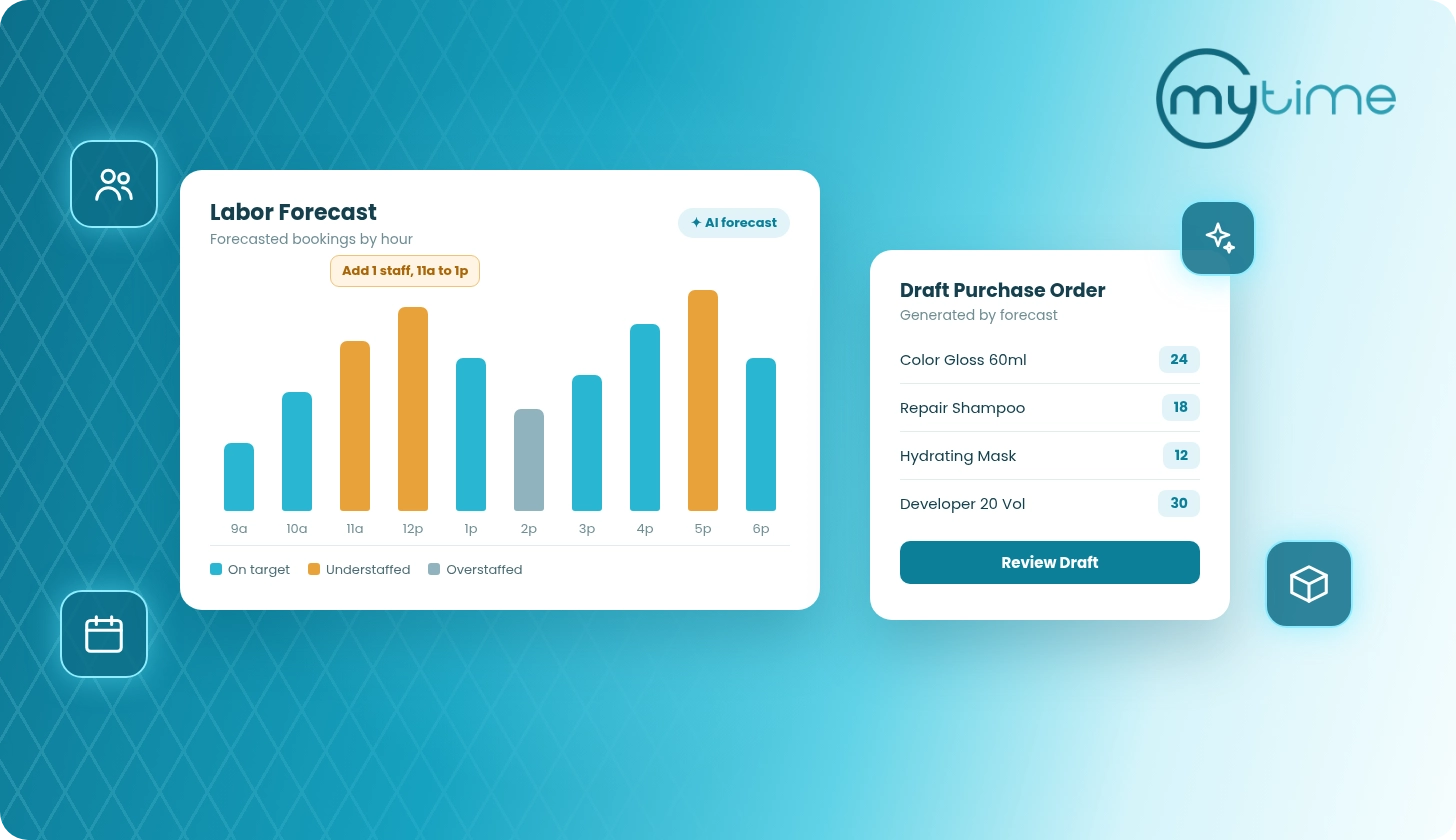
Staff utilization helps leaders see how much available time is booked, how much is open, and whether staffing patterns match demand. It also helps managers avoid relying only on gut feel. A quiet Tuesday may not require the same staffing model as a Saturday morning. Recurring idle time may point to a schedule problem, a booking visibility issue, or a service assignment gap.
The MyTime Calendar Utilization Report shows the percentage of available time slots that a staff member or resource was booked or available. It includes metrics such as appointments, booked percentage, unbooked percentage, hours available, and bookings per time slot. Teams can filter by location, staff, resource, and date (MyTime Calendar Utilization Report).
That kind of reporting helps leaders compare across locations without flattening every location into the same staffing model. The target is not identical schedules. It is informed scheduling.
Build flexibility without chaos
Staff scheduling also affects employee experience.
Gallup reports that 58% of U.S. workers are fully on-site and that fully on-site, non-remote-capable employees have lower engagement than remote, hybrid, or remote-capable on-site workers (Gallup).
For frontline workers, Gallup found that time flexibility matters more than location flexibility. The most appealing options included choice of which days they work, increased PTO or vacation time, and four-day workweeks (Gallup).
Service brands cannot always offer every type of flexibility. Clients still need appointments. Locations still need coverage. Certain services still require specific providers, rooms, or resources.
But brands can create flexibility without creating chaos.
That starts with clear rules for availability, time-off requests, shift changes, booking intervals, and manager approvals. Staff should know how to request changes. Managers should know what they can approve locally. Leaders should be able to see whether changes protect the client experience or create coverage gaps.
The worst version of flexibility is informal and invisible. A manager makes an exception, the schedule changes, staff hear about it late, and the system no longer reflects reality. The best version is structured, visible, and easy to manage.
→ Flexibility works best when staff know how to request it and managers can see the operational impact before making changes.
Give managers a scheduling playbook
Local managers are often the pressure point in staff scheduling.
They are balancing client demand, staff preferences, time-off requests, last-minute changes, service quality, productivity goals, and local revenue targets. If the process lives in memory, texts, spreadsheets, or one person’s judgment, scheduling gets harder as soon as the brand scales.
Gallup says 70% of the variance in team engagement is determined solely by the manager, and it describes frontline managers as a critical lever for employee engagement (Gallup).
The same research notes that managers are more likely than individual contributors to struggle with competing priorities and unclear expectations, which can contribute to burnout (Gallup).
That makes manager enablement part of the scheduling strategy. Managers do not just need permission to build schedules. They need a playbook.
A strong scheduling playbook should answer:
- When are schedules built and reviewed?
- How far ahead should staff see their schedules?
- How are availability changes submitted?
- Which changes can managers approve locally?
- Which services require specific staff qualifications?
- How are rooms and resources checked before appointments open online?
- What happens when a provider is underbooked?
- What metrics should managers review each week?
This keeps scheduling from becoming a personality-driven process. Managers still make judgment calls, but they make them inside a shared operating model.
Coordinate multi-staff, multi-service, and resource-dependent appointments
Many service appointments are more complex than one client, one provider, and one time slot.
A salon guest may book multiple services with different providers. Spa guests may need a provider and a specific room. Pet care bookings may involve multiple pets, multi-day stays, and capacity limits. Learning or enrichment businesses may need an instructor, a room, and a class capacity threshold.
When scheduling logic does not account for that complexity, the burden falls on staff. They have to check the calendar manually, coordinate with another provider, move appointments, or explain why an available time was not actually available.
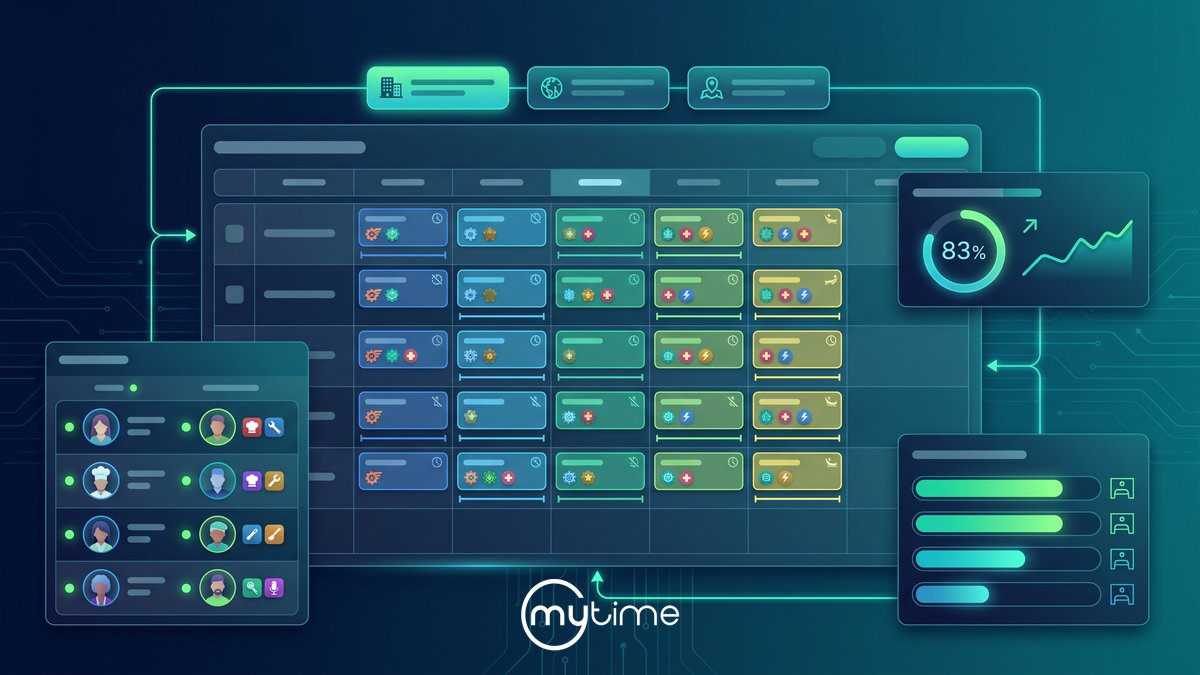
MyTime support documentation explains that multi-staff appointments can show each service under the appropriate staff member’s column. Each service remains connected to the larger appointment (MyTime multi-staff appointments).
MyTime also supports staff-specific online booking intervals from 5 to 120 minutes. If a client selects “No Preference,” the system can display times based on combined staff availability and assign staff using round-robin logic (MyTime online booking intervals by staff).
For rooms and other constrained resources, MyTime can display appointment counts by status below staff names in day and agenda views. Resource Capacity compares checked-in appointments to total configured capacity (MyTime appointment count and resource capacity).
Those details matter because staff scheduling and resource scheduling are connected. A provider may be available, but the room may not be. Rooms may be available, but the right provider may not be. Ignoring either side can create friction for staff and clients.
Use reporting to spot staffing problems
Multi-location leaders need to know where scheduling is working and where it is breaking.
The issue may not always be obvious. A location with low sales may have low demand, poor rebooking, weak local marketing, too much unbooked staff time, limited room capacity, or too few high-demand providers. High-sales locations may still be overloading top staff while leaving other providers underused.
Scheduling reports help leaders diagnose the difference.
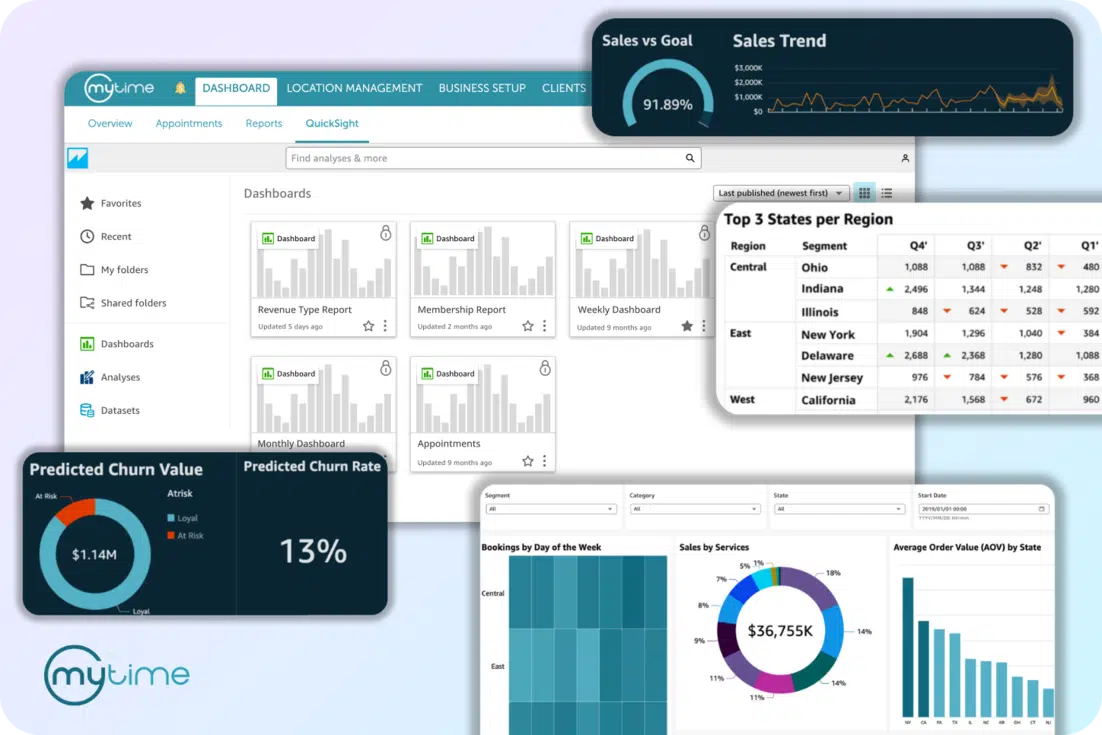
MyTime’s Reports Overview includes staff and scheduling reports such as Bookings by Staff Member, Time Tracking Report, Staff Scheduling Report, Calendar Utilization Report, and Bookings by Resources. It also includes Staff Productivity, Daily Compensation, Compensation by Pay Cycle, Appointment History, and Ratings reports (MyTime Reports Overview).
MyTime’s franchise solution also supports real-time reporting across the network, with visibility into productivity, revenue, and utilization by location and across franchise groups (MyTime franchise solution).
That visibility helps leaders ask better staffing questions:
- Which locations have too much unbooked staff time?
- Which providers are consistently overbooked?
- Which services are creating scheduling bottlenecks?
- Which rooms or resources are limiting capacity?
- Which locations need different booking intervals?
- Which managers need coaching or a clearer scheduling playbook?
- Which staff schedules are misaligned with actual appointment demand?
Better reporting does not replace local context. It gives leaders the context they need to coach, plan, and adjust.
What this looks like in practice
A salon chain maps color services to certified providers and adjusts booking intervals by staff member. The schedule starts reflecting both availability and service eligibility. → Appointments land with the right provider at the right time.
A spa brand reviews utilization by staff and resource before changing coverage. Managers can see whether open time is caused by too many scheduled hours, too little demand, or a room constraint. → Labor decisions improve when booked and unbooked time are visible.
A pet care brand plans staff coverage and resource capacity together. Teams can account for same-day appointments, multi-day bookings, and service-specific needs before the calendar fills. → Scheduling works better when people and resources are planned together.
A learning or enrichment brand aligns instructors with recurring sessions and location-level demand. Leadership can see which locations need more coverage and which classes have open capacity. → Staff scheduling should reflect local demand, not one network-wide assumption.
How MyTime supports staff scheduling across locations
MyTime helps multi-location service brands connect staff scheduling, appointment scheduling, availability, resources, utilization, and reporting in one operating system.
In staff management, MyTime supports assigning shifts, managing availability, viewing staffing levels, staff schedule access, time-off requests, manager communication, performance tracking, and productivity tracking (MyTime staff management).
For appointment scheduling, MyTime supports staff assignment, configurable appointment types, service durations, staff availability, certification levels, buffer times, notifications, client communication, calendar sync, and schedule management from the MyTime app (MyTime appointment scheduling).
With more complex bookings, MyTime supports multi-staff appointments and staff-specific online booking intervals. It also supports appointment counts by staff and resource capacity tracking (MyTime multi-staff appointments, MyTime online booking intervals by staff, MyTime appointment count and resource capacity).
For leaders, MyTime reporting helps teams review bookings by staff member, scheduled hours, booked and unbooked time, resource utilization, productivity, compensation, time tracking, and appointment history. Teams can also review location-level performance (MyTime Reports Overview).
That connected view matters because staff scheduling is not owned by one person. Local managers build the schedule. Staff live with it. Clients experience it. Franchise and operations leaders need to know whether it is working.
FAQ
What is staff scheduling for multi-location service brands?
For multi-location service brands, staff scheduling is the process of matching employee availability, service qualifications, appointments, rooms, resources, and local demand so each location has the right coverage at the right time.
How do service brands schedule staff across multiple locations?
Service brands schedule staff across multiple locations by standardizing scheduling rules, keeping staff availability current, mapping providers to the services they can perform, coordinating rooms and resources, using manager workflows for time-off and changes, and tracking utilization across locations.
What should brands track to improve staff scheduling?
Brands should track staff availability, scheduled hours, booked percentage, unbooked percentage, appointments by staff member, resource utilization, cancellations, no-shows, staff productivity, client feedback, and location-level utilization trends.
How can staff scheduling improve employee experience?
Staff scheduling can improve employee experience by making schedules clearer, reducing last-minute confusion, giving staff a defined way to request time off or availability changes, and helping managers balance flexibility with coverage. It also gives leaders visibility into whether staff time is being used well.
How do multi-staff appointments affect scheduling?
Multi-staff appointments affect scheduling because one client visit may require multiple providers, services, rooms, or resources. The schedule needs to show each service under the right provider while keeping the full appointment connected.
How should brands balance staff coverage and utilization?
Brands should balance staff coverage and utilization by comparing scheduled hours with booked time, open time, appointment demand, service mix, and resource constraints. The goal is enough coverage to protect the client experience without leaving too much staff time unused.
Build staff scheduling into your operating system
Staff scheduling is one of the most important operating systems inside a multi-location service brand.
When it works, clients can find the right appointment, staff know what to expect, managers have fewer manual fixes, and leaders can see how each location is using time and talent. If it breaks, the effects show up everywhere: missed bookings, uneven workloads, idle time, frustrated employees, and inconsistent service.
The solution is not a more complicated spreadsheet. It is a connected scheduling system that brings staff availability, service rules, appointment demand, resource capacity, manager workflows, and reporting together.
MyTime helps multi-location service brands manage staff scheduling, appointments, availability, utilization, and reporting in one connected platform. Book a demo to see how MyTime can help your teams schedule smarter across every location.