



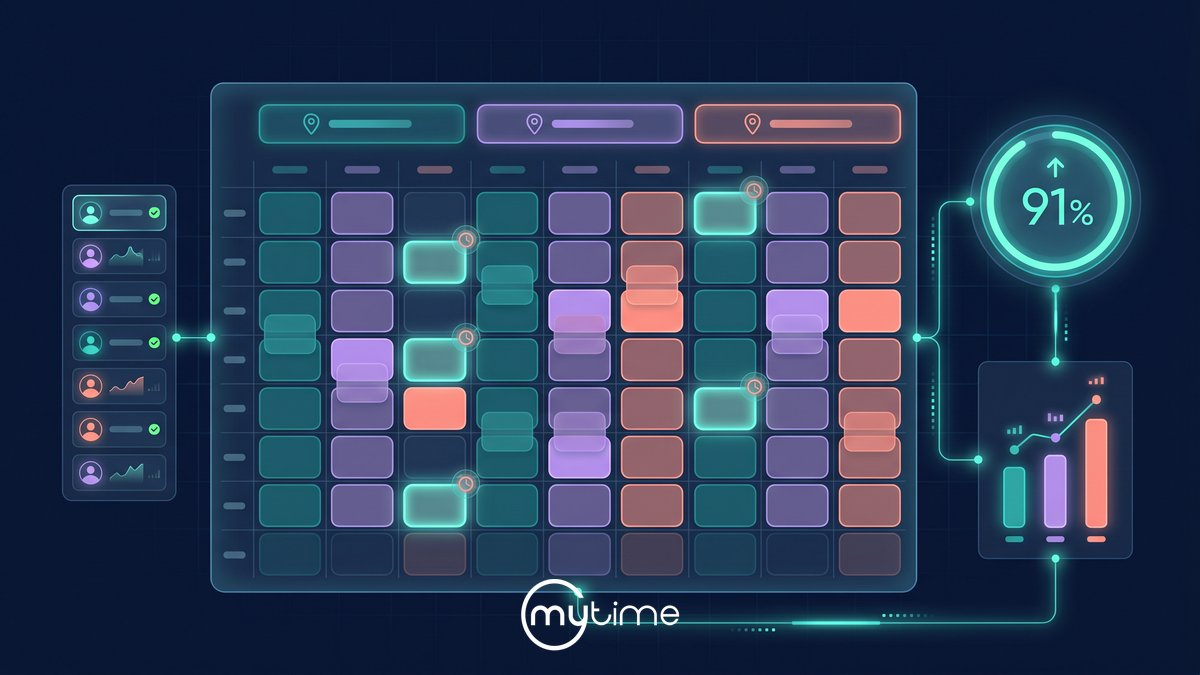
A full calendar does not always mean a well-utilized business.
One location may look booked while another has open afternoons. A high-demand service may have no qualified provider available at the right time. A late cancellation may leave a staff member idle, even though demand exists somewhere else in the network.
To increase appointment utilization across multiple locations, service brands need to connect booking access, staffing, provider eligibility, rooms or resources, reminders, waitlists, rebooking, and reporting into one operating rhythm. The goal is not to squeeze every blank space out of the calendar. The goal is to turn more available capacity into completed, profitable appointments without hurting the client experience.
That matters more as the brand grows. The International Franchise Association notes that fragmented technology can increase operational complexity and create inconsistent service experiences across multi-location brands (International Franchise Association).
What appointment utilization means
Appointment utilization measures how much available appointment capacity becomes booked and completed service time. In a multi-location service business, that capacity may come from staff hours, provider availability, treatment rooms, grooming stations, equipment, service duration, or location hours.
At a basic level, service brands can think about it this way:
Appointment utilization = completed booked appointment time ÷ available appointment capacity
That simple formula becomes more useful when leaders look at the details. A brand may track booked utilization, completed utilization, provider utilization, room utilization, service-level utilization, prime-time utilization, and off-peak utilization.
Capacity utilization is a broader operations metric that measures how effectively available capacity is used to produce goods or services (ServiceChannel). For appointment-based brands, the practical question is: how much sellable time becomes completed service time?
There is no universal target that fits every service brand. A salon, spa, barbershop, pet care brand, and wellness concept may all need different utilization goals because service mix, staffing model, appointment length, demand patterns, and experience standards vary.
Why utilization breaks down
Utilization usually breaks down when demand and capacity stop moving together.
A growing brand may have strong demand, but clients cannot find the right appointment time online. Another location may have staff available, but not for the services clients want most. A provider may be booked solid during peak hours while other qualified team members sit underused.
These issues often stay hidden when systems are disconnected. If booking, staff schedules, client records, POS, reminders, and reporting live in different places, leaders may not see where open time is coming from or why it keeps happening.
The International Franchise Association describes this broader multi-location challenge clearly: fragmented technology environments can reduce visibility and pull teams into troubleshooting instead of growth work (International Franchise Association).
To fix utilization, leaders need more than a busier calendar. They need a connected view of how demand, staffing, service rules, client behavior, and location performance interact.
Measure usable capacity first
Before trying to fill more appointments, define what capacity is actually usable.
Open hours are not the same as sellable appointment capacity. A location may be open for ten hours, but the usable capacity depends on who is working, what services they can perform, which rooms or resources are available, how long each service takes, and whether the schedule includes buffers or processing time.
Start by reviewing these metrics by location:
- Available appointment hours
- Booked hours and completed hours
- Staff or provider utilization
- Room, station, or equipment utilization
- Utilization by service type
- Prime-time and off-peak utilization
- Cancellation, no-show, and reschedule rates
- Lead time to the next available appointment
The point is not to create a reporting burden. The point is to see where available capacity becomes revenue and where it leaks out of the business.
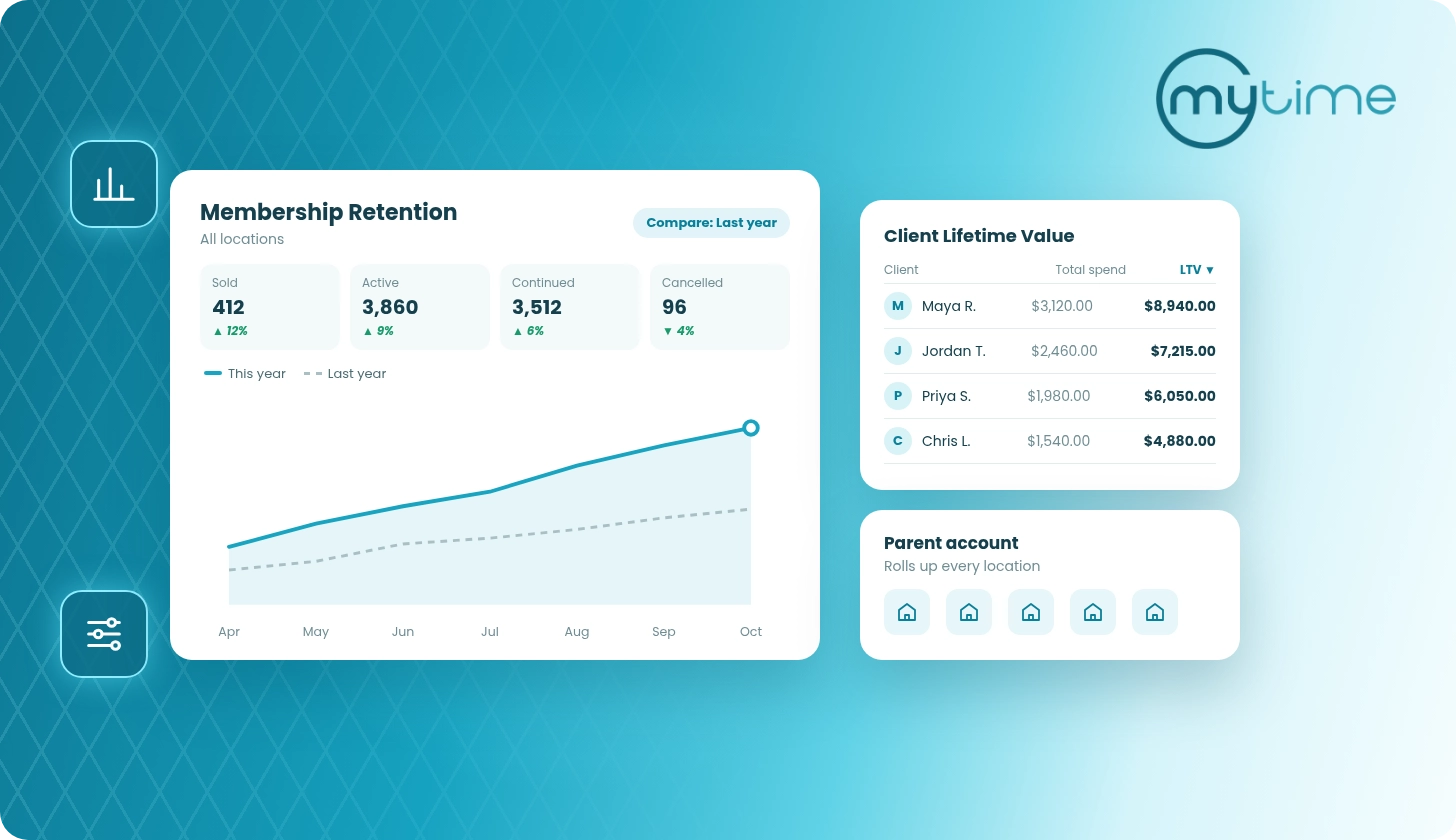
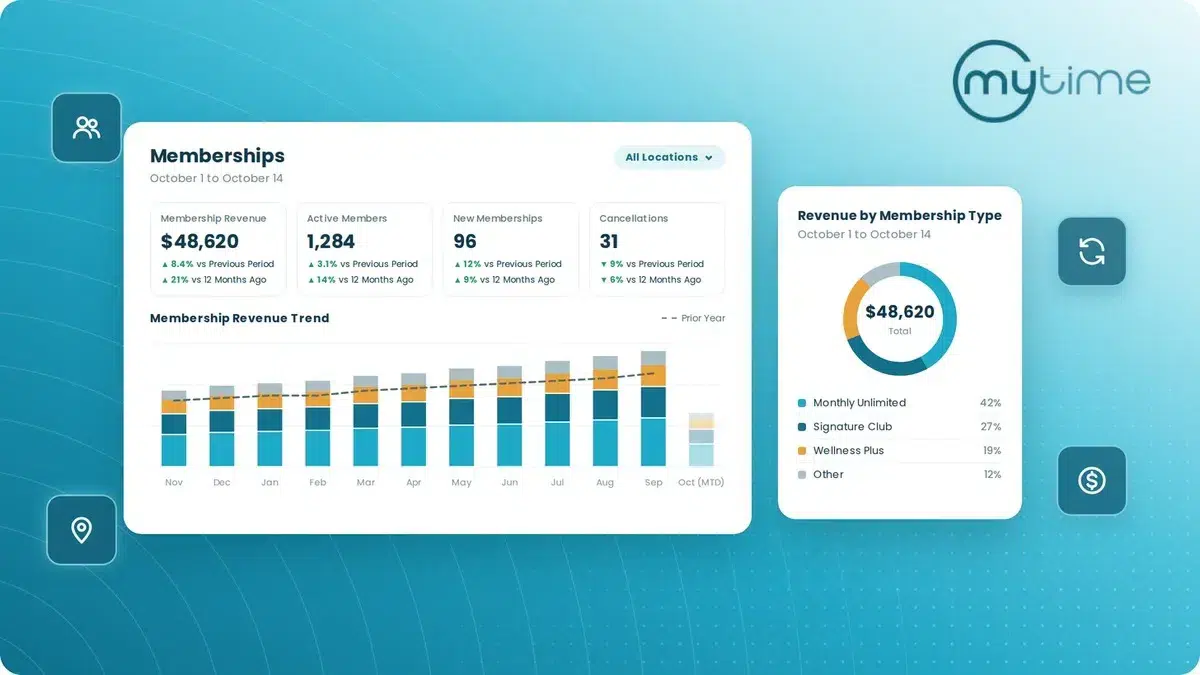
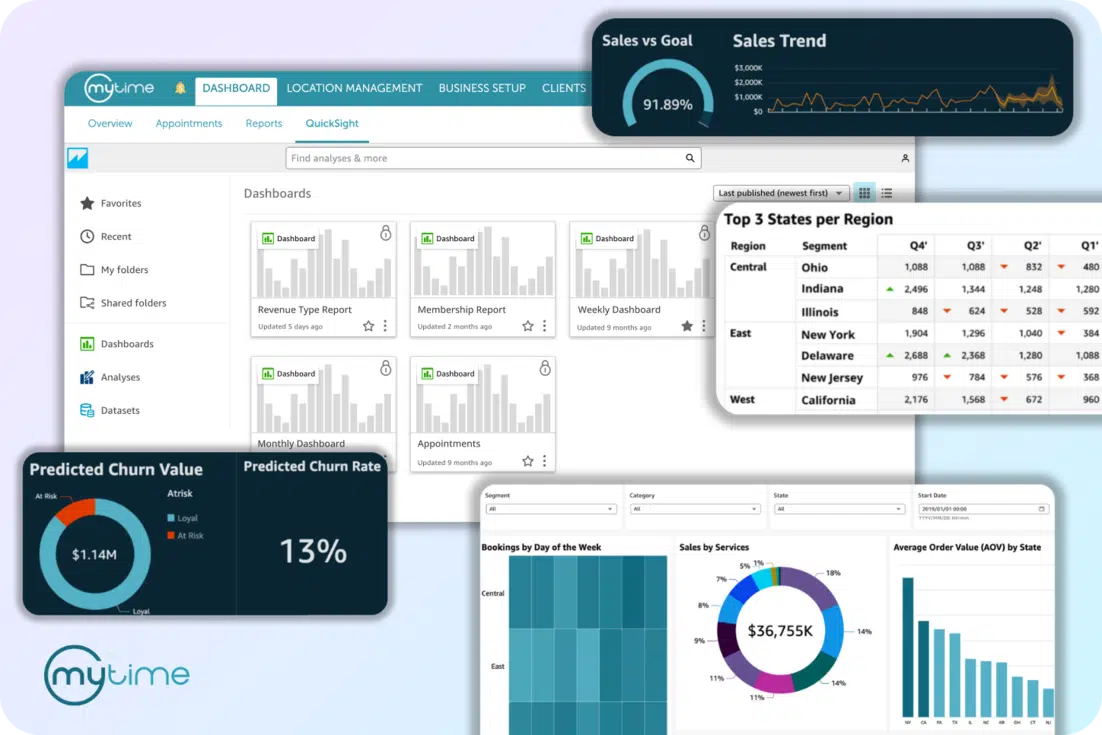
MyTime supports real-time reporting across locations, location productivity reporting, revenue reporting, dashboards, franchise performance tracking, and productivity analytics for multi-location brands (MyTime pricing and feature matrix).
Make booking easier everywhere
Utilization starts before the appointment exists.
If clients have to call, wait, search multiple pages, or restart the booking process on another channel, demand can disappear before it reaches the calendar. Multi-location brands need booking access that lets clients find the right service, location, staff member, and time with as little friction as possible.
That means booking should work across the channels clients already use. Website booking, Google, Instagram, Facebook, mobile app booking, front desk booking, and in-person booking should all feed the same operating system.
MyTime supports configurable, branded online booking, booking through Google, Instagram, and Facebook, booking URLs and landing pages, service and class waitlisting, resource management, business insights, and staff management (MyTime omnichannel booking).
Better booking access does not mean giving up control. The right platform should still respect service rules, staff eligibility, duration, resources, location availability, cancellation policies, and brand standards.
Align staffing to demand
Appointment utilization and labor efficiency are connected.
Overstaffing creates idle time. Understaffing blocks demand, pushes clients into less convenient times, and weakens the experience. Static schedules rarely keep up with how real demand changes by location, day, season, service, provider, and local market.
Start by comparing staffing patterns to actual appointment demand. Look for times when demand exceeds availability, services that only a few qualified providers can perform, and locations where staff coverage does not match booking behavior.
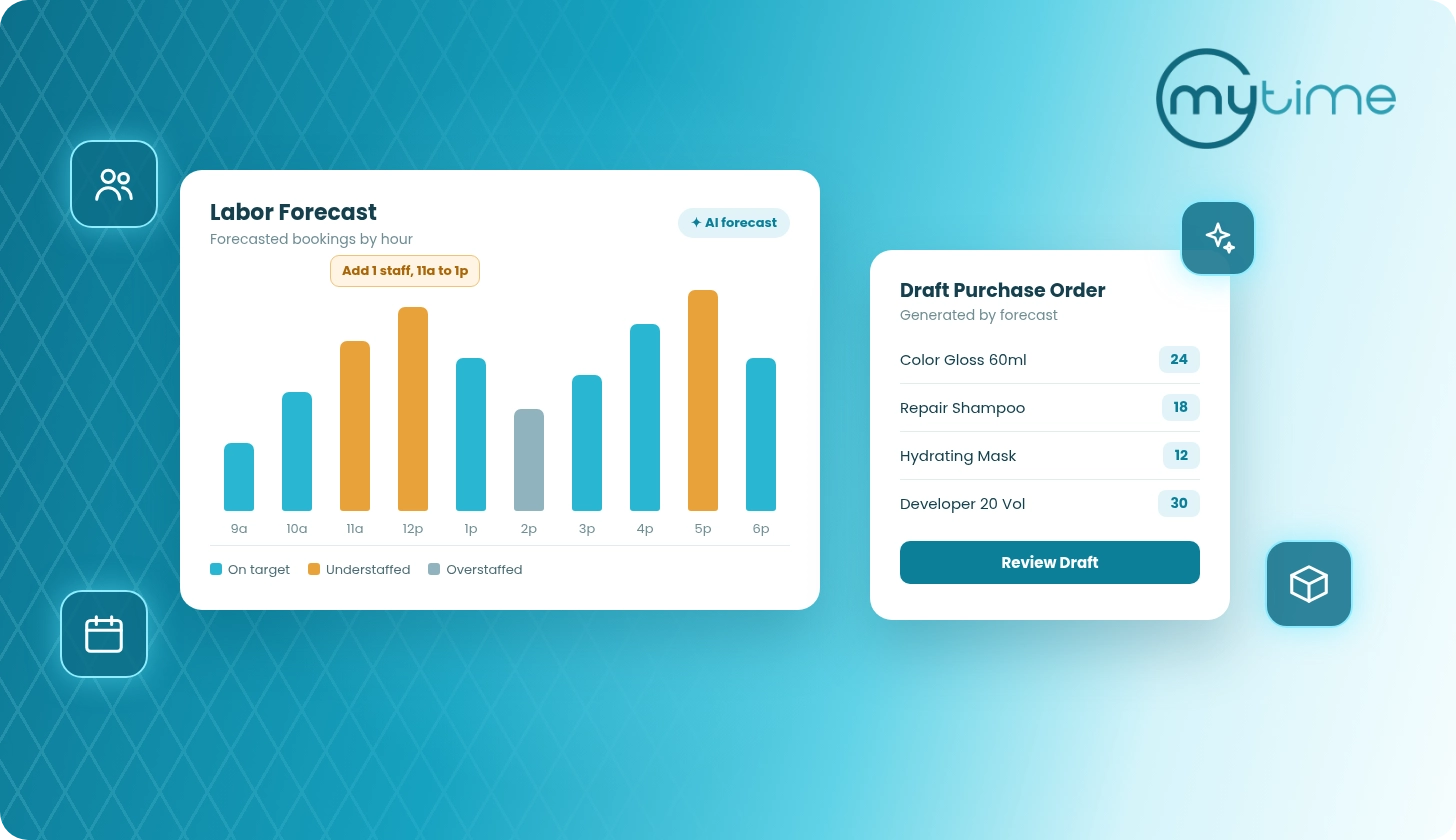
MyTime Labor Forecasting uses appointment history, seasonal patterns, monthly trends, weekly patterns, daily and hourly patterns, recent demand, provider productivity, and location-specific behavior to help brands align staffing to real demand (MyTime labor forecasting).
This gives operators a better way to plan coverage. Instead of relying only on manager habit, teams can adjust staffing around the demand patterns that actually fill the appointment book.
Shorten the path to a confirmed appointment
Clients often have intent before they have an appointment. The longer the gap between intent and confirmation, the more likely that demand is to leak.
Service brands can shorten that path by keeping desirable availability visible, removing unnecessary blocked time, reviewing unused holds, and making cancellation or rescheduling simple enough to recover the slot. They can also open capacity strategically when demand is strongest, rather than adding availability at random.
Provider eligibility matters here. If a client wants a specific service, the system should guide them toward staff who can actually perform it. If a service requires a room, station, or piece of equipment, booking should account for that too.
MyTime supports appointment scheduling across online and offline workflows, staff availability, certification matching, configurable appointment types, buffer times, cancellation and rescheduling links, appointment reminders, calendar updates, and client communication (MyTime appointment scheduling).
When booking logic reflects the real operation, more client intent turns into confirmed appointments.
Reduce preventable no-shows
No-shows and late cancellations are utilization problems.
When a client misses an appointment, the brand loses more than a time slot. Staff time, room capacity, marketing effort, and potential revenue all go unused. Across many locations, even small patterns can create meaningful operational waste.
The fix is not one tactic. It is a system of confirmations, reminders, clear policies, easy rescheduling, targeted follow-up, and better visibility into repeat patterns.
MyTime supports appointment reminders, client communication, cancellation and rescheduling links, calendar updates, and automated messaging workflows that help teams keep appointments confirmed and current (MyTime appointment scheduling).
Rescheduling should be easy enough that clients move the appointment instead of abandoning it. That gives the brand a better chance to recover the original slot and preserve the future visit.
Refill open slots quickly
Cancellations will happen. The operational question is whether the open time stays empty.
A strong utilization system helps teams identify open slots and move them to the right clients quickly. That may mean notifying a waitlist, sending targeted availability, using a short-term campaign, or helping the front desk see which clients are most likely to book.
Waitlists are especially useful for multi-location brands because demand is rarely distributed evenly. One location may have excess demand for a service while another has availability. One provider may be fully booked while another has openings.
MyTime supports service and class waitlists, walk-in waitlists with estimated wait times, digital waitlist signage, targeted campaigns, flash sales, and trigger-based email and SMS automations (MyTime pricing and feature matrix).
The faster the brand can match open time with relevant demand, the less capacity gets wasted.
Build rebooking into the visit
Utilization improves when future demand is created before the client leaves.
Rebooking, memberships, packages, loyalty, referrals, reminders, and win-back campaigns all help turn irregular demand into a steadier appointment pipeline. They also reduce the pressure to generate every appointment from a brand-new client interaction.
This is where operations and growth meet. The best utilization strategy does not stop at the first booking. It connects discovery, booking, reminders, service delivery, checkout, rebooking, retention, referrals, and lifetime value.
A service-franchise AI article notes that AI can support service franchises by automating and optimizing administrative tasks such as appointment scheduling and customer interactions (service-franchise AI article).
MyTime supports memberships, loyalty, referrals, advanced marketing automation, AI-powered retention and win-back campaigns, targeted SMS and email campaigns, trigger-based automations, promos, flash sales, and campaign reporting with revenue attribution (MyTime pricing and feature matrix).
The goal is to help each client move naturally to the next best step.
Manage utilization across the network
Local managers need practical control, but leadership needs a network view.
A single location can often spot open time by looking at tomorrow’s calendar. A multi-location brand needs a broader operating cadence. Leaders should be able to compare utilization by location, service, provider, daypart, and campaign so they can see where performance differs and why.
A simple review rhythm can help:
- Daily: open slots, late cancellations, no-shows, and tomorrow’s fill rate
- Weekly: utilization by location, provider, service, and daypart
- Monthly: labor alignment, service mix, rebooking, recurring revenue, and campaign performance
- Quarterly: hours, staffing model, booking rules, service menu, and growth opportunities
A franchise analytics article describes a broader franchise challenge: operators have more data from systems such as POS, loyalty platforms, dashboards, and labor tools, but the real work is turning that data into guidance locations can use (franchise analytics article).
MyTime supports centralized management, advanced role-based access controls, global client records, granular permissions by role and location, location productivity reporting, franchise performance tracking, and productivity analytics (MyTime pricing and feature matrix).
Utilization should become part of how the brand runs the business, not a report someone checks after the month ends.
What this looks like in practice
You are not trying to fill every blank space on the calendar. You are trying to turn available capacity into completed, profitable visits without breaking the client experience.
Here is what that looks like in practice:
A salon group sees Saturday demand overflow while Tuesday afternoons stay soft. The team opens targeted weekday offers instead of discounting peak time.
→ More off-peak bookings without training clients to wait for weekend discounts.
A spa brand finds that consultation demand is strong, but qualified providers are unavailable in the highest-converting windows. The schedule changes around provider eligibility, not manager habit.
→ More bookable demand turns into completed appointments.
A pet care brand has late cancellations across several locations. Waitlist notifications go out as soon as slots open.
→ Empty time becomes recoverable capacity.
A wellness franchise sees one location overstaffed while another turns clients away. Labor forecasting and location-level reporting guide schedule changes.
→ Better coverage without guessing.
How MyTime helps
MyTime helps appointment-based service brands increase utilization by connecting the workflows that determine whether capacity turns into completed visits.
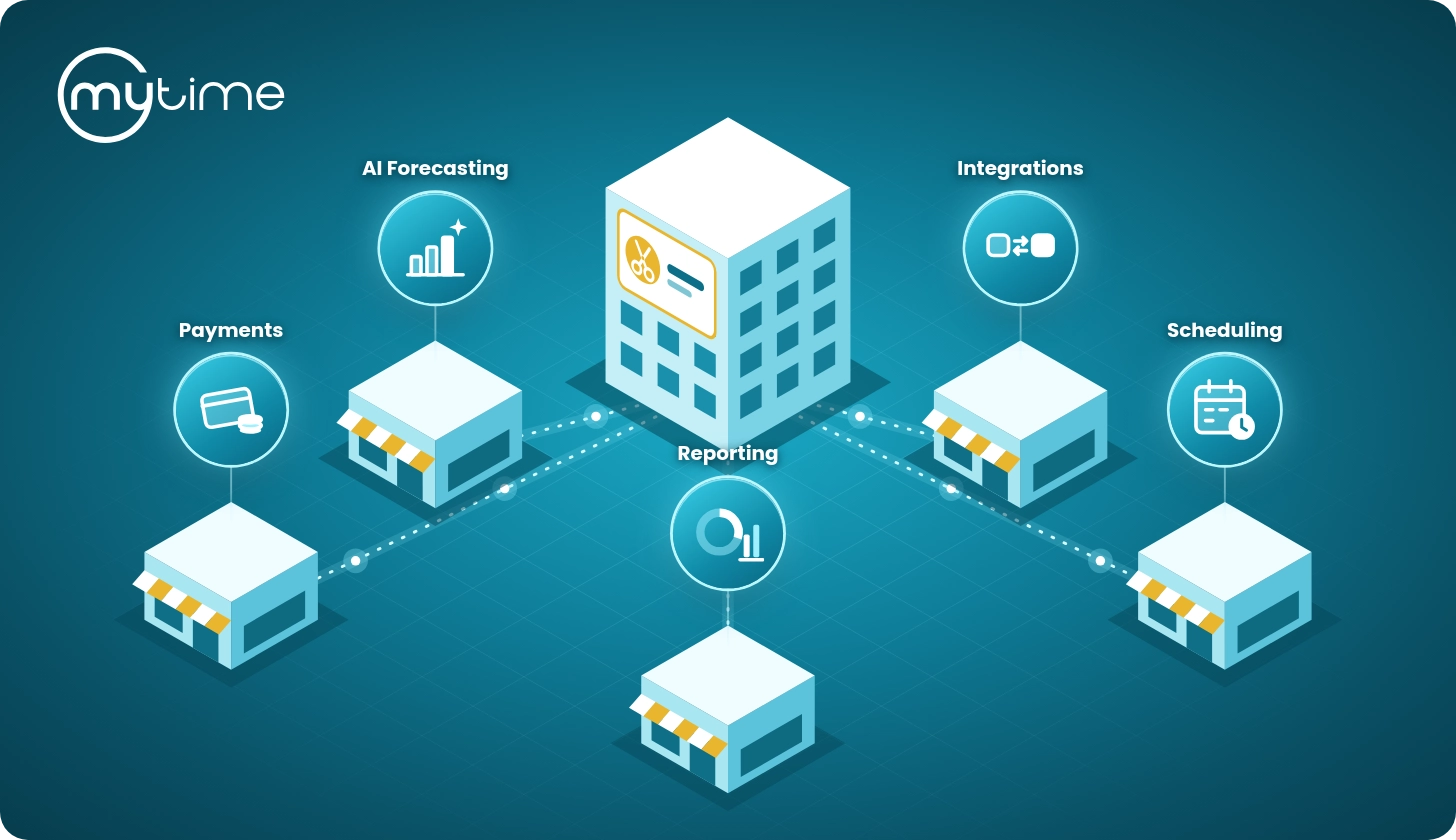
With MyTime, brands can manage booking, scheduling, staff availability, service eligibility, resource booking, reminders, waitlists, client records, memberships, marketing automation, reporting, and labor forecasting in one operating layer. That matters because utilization is not solved by one feature. It improves when the full customer journey and the full operating model work together.
MyTime is built for multi-location service brands that need centralized visibility with local flexibility. The platform supports configurable workflows, role-based permissions, global client records, location-level reporting, staff qualifications, service eligibility, and cross-location operating controls (MyTime pricing and feature matrix).
MyTime also supports the full journey from first booking intent to completed visit, rebooking, retention, referrals, and lifetime value. AI-enhanced engagement, automation, reporting, and customer context help teams move clients toward the right next action instead of relying on manual follow-up alone (MyTime company).
For growing brands, that configurability matters. The software should support the way the business actually runs, not force every location into a rigid workflow.
Appointment utilization checklist
Use this checklist to identify where utilization may be leaking:
- Do clients have easy booking access across the channels they already use?
- Are service rules, durations, buffers, and provider eligibility accurate?
- Can each location see open capacity before it becomes lost time?
- Are staffing plans based on demand patterns or static templates?
- Are reminders and confirmations reducing preventable no-shows?
- Can clients reschedule without abandoning the visit?
- Are waitlists used to recover late cancellations?
- Are rebooking, memberships, loyalty, and referrals part of the operating rhythm?
- Can leaders compare utilization by location, service, provider, and daypart?
- Does the team review utilization often enough to act before the month ends?
FAQ
What is appointment utilization?
Appointment utilization measures how much available appointment capacity becomes booked and completed appointment time. Multi-location service brands may track utilization by location, provider, room, service type, and daypart.
How do you calculate appointment utilization?
A simple way to calculate appointment utilization is completed booked appointment time divided by available appointment capacity. Brands can also track booked utilization, completed utilization, provider utilization, resource utilization, and revenue per available appointment hour.
How do you increase appointment utilization across multiple locations?
Increase appointment utilization by measuring usable capacity, improving booking access, aligning staffing to demand, reducing preventable no-shows, refilling open slots with waitlists, building rebooking habits, and reviewing location-level performance data consistently.
What causes low appointment utilization?
Common causes include poor booking visibility, mismatched staffing, inconsistent service durations, limited provider availability, too much blocked time, preventable no-shows, weak rebooking, disconnected client records, and limited centralized reporting.
Should every location have the same utilization target?
Not always. Utilization targets should reflect the location’s service mix, staffing model, demand patterns, appointment length, walk-in volume, and client experience goals.
How can software help improve appointment utilization?
Software can help by connecting booking, staff availability, provider qualifications, resource scheduling, reminders, waitlists, client records, marketing automation, labor forecasting, and reporting in one system. That gives teams the visibility and workflows needed to turn more available capacity into completed appointments.
Turn empty calendar time into usable capacity
Increasing appointment utilization across multiple locations is not about pushing teams to “book more” without context. It is about connecting demand, capacity, staffing, booking access, communication, slot recovery, and retention into one operating system.
When those pieces work together, leaders can see where time is available, where demand is blocked, where staffing needs to change, and where the client journey needs support.
MyTime helps multi-location service brands turn available capacity into completed appointments with connected booking, scheduling, staff and resource management, reminders, waitlists, reporting, marketing automation, and AI-enhanced journey orchestration.
Book a call to see how MyTime can help your brand increase appointment utilization across locations.