



Setting up a receipt printer is one of the most common things merchants tell us they dread. Download a driver, hunt for an IP address, type it into a browser, key in a serial number, and hope it connects — a five-minute job that turns into an afternoon, and a frequent reason people call support.
We rebuilt that experience. MyTime’s updated Star CloudPRNT integration lets you register a receipt printer in minutes, right inside MyTime — no drivers, no IP addresses, no networking know-how. This article covers what CloudPRNT is, why setup used to be so hard, how the new flow works, and how to switch if you already have a Star printer.
What is Star CloudPRNT?
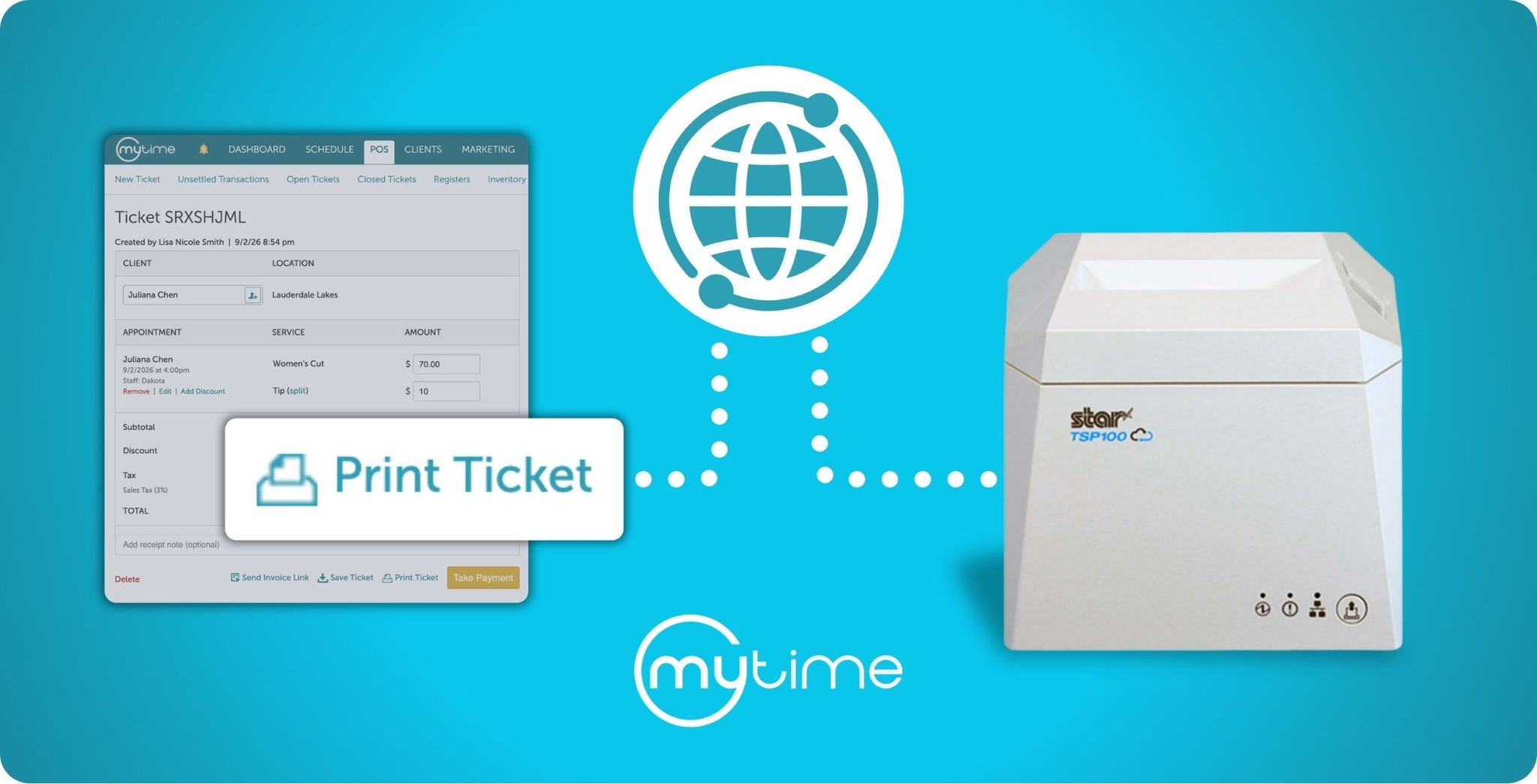
Star CloudPRNT is a technology that lets your POS communicate with your receipt printer over the internet instead of through a USB cable or local driver. The printer pulls jobs from MyTime’s servers over your network, so printing stays reliable even when a tablet moves around the shop. Inside MyTime, CloudPRNT is what powers driverless receipt printing and one-tap cash drawer access — no local install, no browser print dialog.
Why is receipt printer setup usually so difficult?
Printer setup is hard because it normally forces a merchant to act like a network administrator. The old process meant printing a test page to find the printer’s IP address, typing that address into a browser, configuring the connection through the printer manufacturer’s own web portal, and entering device details by hand. Every step is a place to get stuck, and it’s why printer configuration has been one of the biggest drivers of setup support tickets.
How does the new CloudPRNT setup work?
The new setup replaces all of that with a self-service flow you complete inside MyTime in just a few minutes:
- Plug the printer into your router with an Ethernet cable.
- Add the printer in MyTime Settings.
- Open and close the printer cover to connect it.
- Start printing.
That’s the whole process. There are no drivers to download and no IP addresses to find — MyTime configures the printer automatically. If you’ve ever set up a card reader like a Stripe or Ingenico terminal, this will feel familiar: you register the device, and MyTime handles the rest.
Can you open a cash drawer without printing a receipt?
Yes. With CloudPRNT, staff can open the cash drawer with a single tap — no receipt required. Instead of printing a slip you’ll throw away every time someone pays cash, the drawer opens on its own, which is faster at the counter and saves paper. It’s a small change that shows up on nearly every cash transaction of the day.
Which Star printer should you use with MyTime?
We recommend the Star TSP100IV series — specifically the TSP143IV, the model we’ve built this experience around. It’s reliable, affordable, and the best fit for most MyTime merchants. You can order one directly from the MyTime hardware shop, or reach out to your account manager.
How do you switch an existing Star printer to CloudPRNT?
If you already have a compatible Star printer, you can move to the new CloudPRNT setup in just a few minutes rather than buying new hardware. Connect it to your network by Ethernet and register it in MyTime Settings the same way you would a new device.
Before you start, check that your printer is on firmware version 3.3 or higher — you can find the version at the top of a test receipt. If it’s lower, you’ll need to update it first using the free Star Quick Setup Utility app. Star’s firmware update guide walks you through it. Once you’re on a supported version, see our CloudPRNT help article for step-by-step setup instructions.
A foundation for an all-in-one POS counter
Simpler setup isn’t only a convenience — it’s a foundation. Because CloudPRNT connects your printer directly over the network, it opens the door to a sleek, all-in-one POS setup where your screen, payments, and printing work together without a tangle of cables and drivers behind the counter. It’s the kind of clean, integrated counter the best POS experiences are moving toward, and this release is the first step.
Frequently asked questions
What is Star CloudPRNT?
It’s a cloud printing technology that lets your POS send receipts and drawer-open commands to a Star printer over the internet, with no local driver or USB connection required.
Do I need to download drivers or find an IP address?
No. MyTime configures the printer for you. You plug it into Ethernet, add it in Settings, and open and close the cover to finish setup.
Can I open the cash drawer without printing a receipt?
Yes. Staff can trigger the drawer with a single tap, so you don’t have to print an unneeded slip on cash sales.
Which printer do you recommend?
The Star TSP100IV series, specifically the TSP143IV — the most cost-effective, reliable fit for MyTime merchants and the model this setup is built around. You can order one from the MyTime hardware shop.
I already have a Star printer. Can I still use CloudPRNT?
In most cases, yes. If your printer supports a network connection, you can register it in MyTime and switch to CloudPRNT without buying new hardware. Just check that it’s on firmware version 3.3 or higher first — a quick test receipt shows the version, and Star’s Quick Setup Utility app can update it if needed.
Ready to make printing the easiest part of your day? Get started / Book a demo