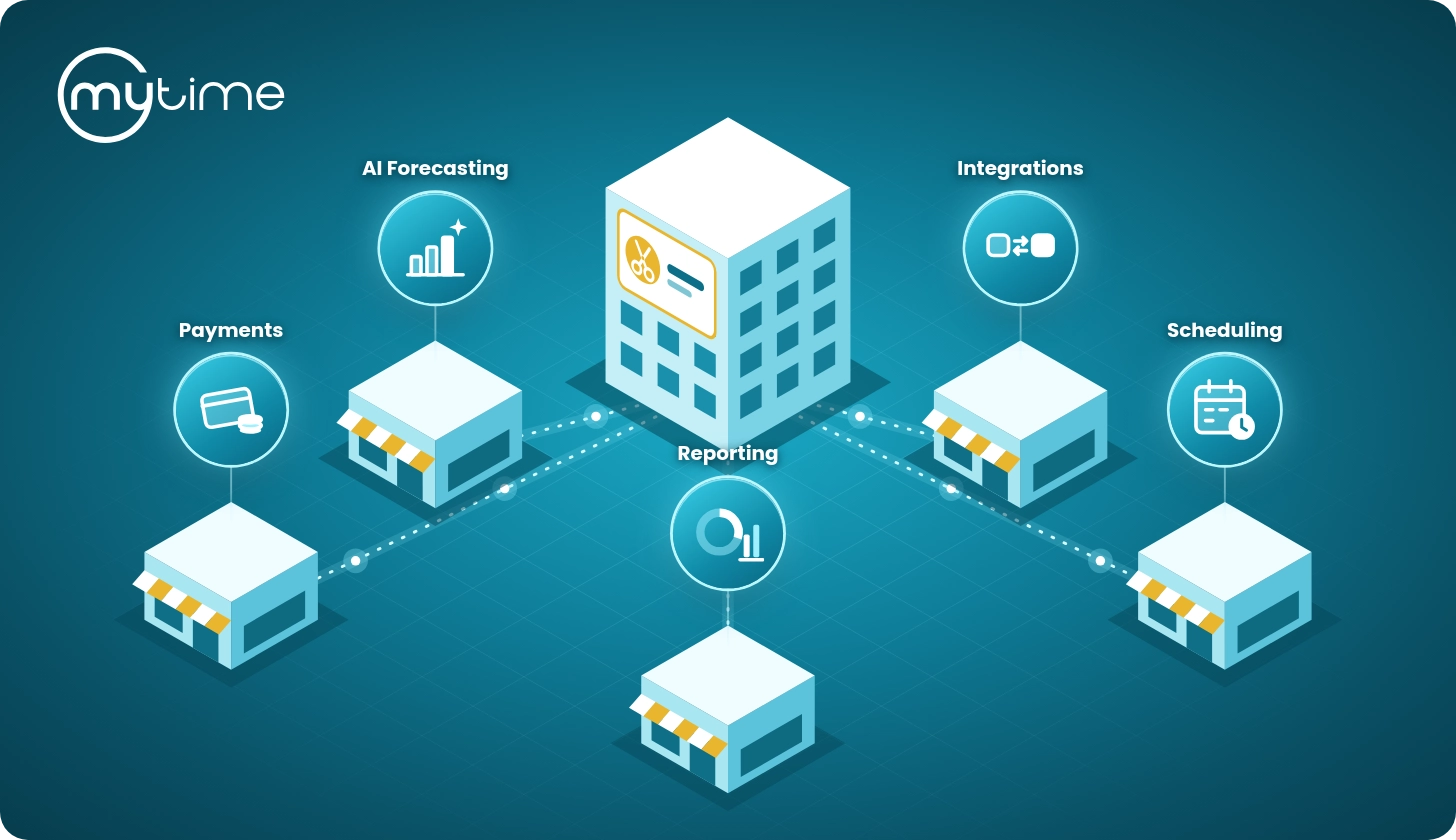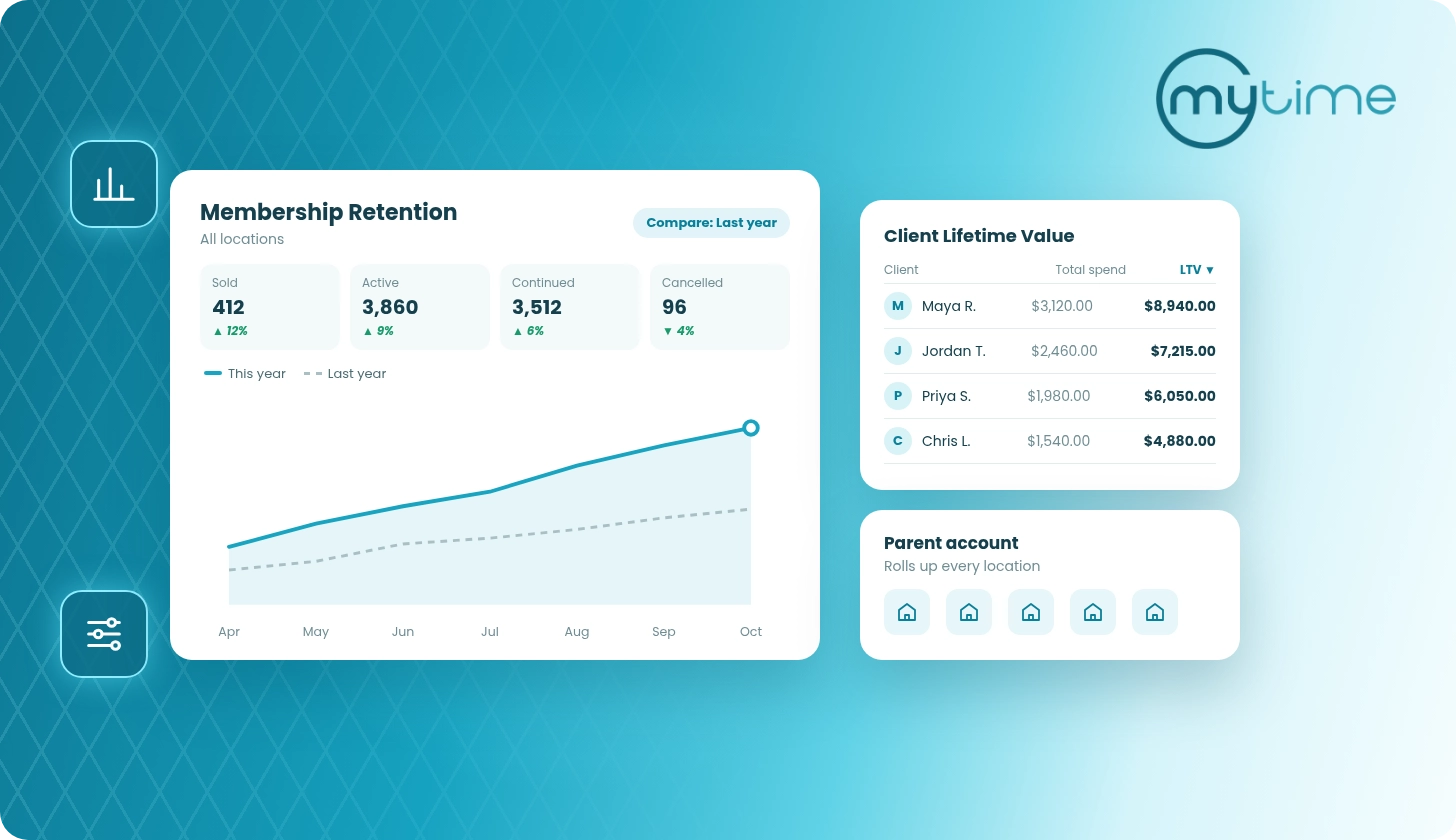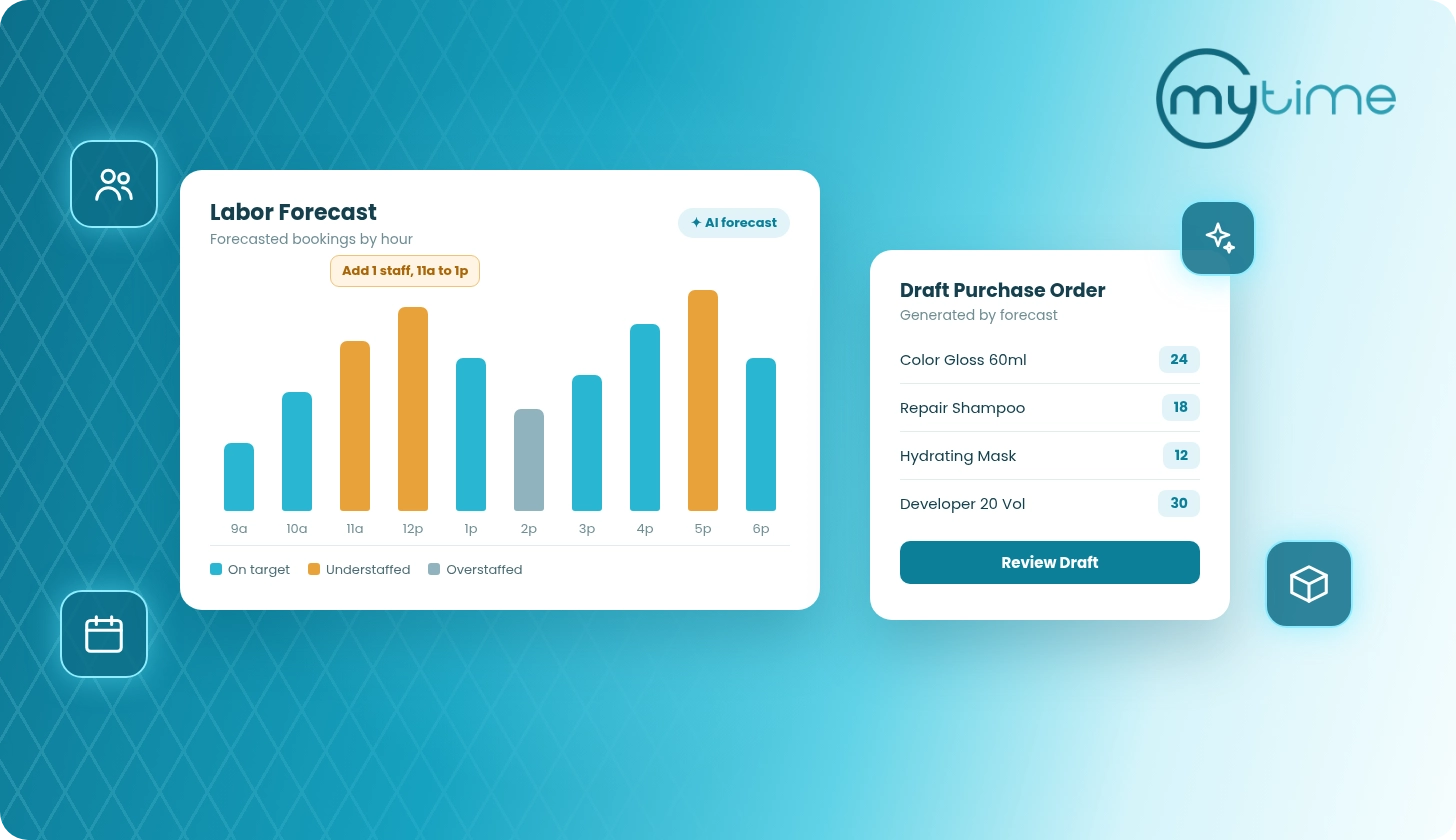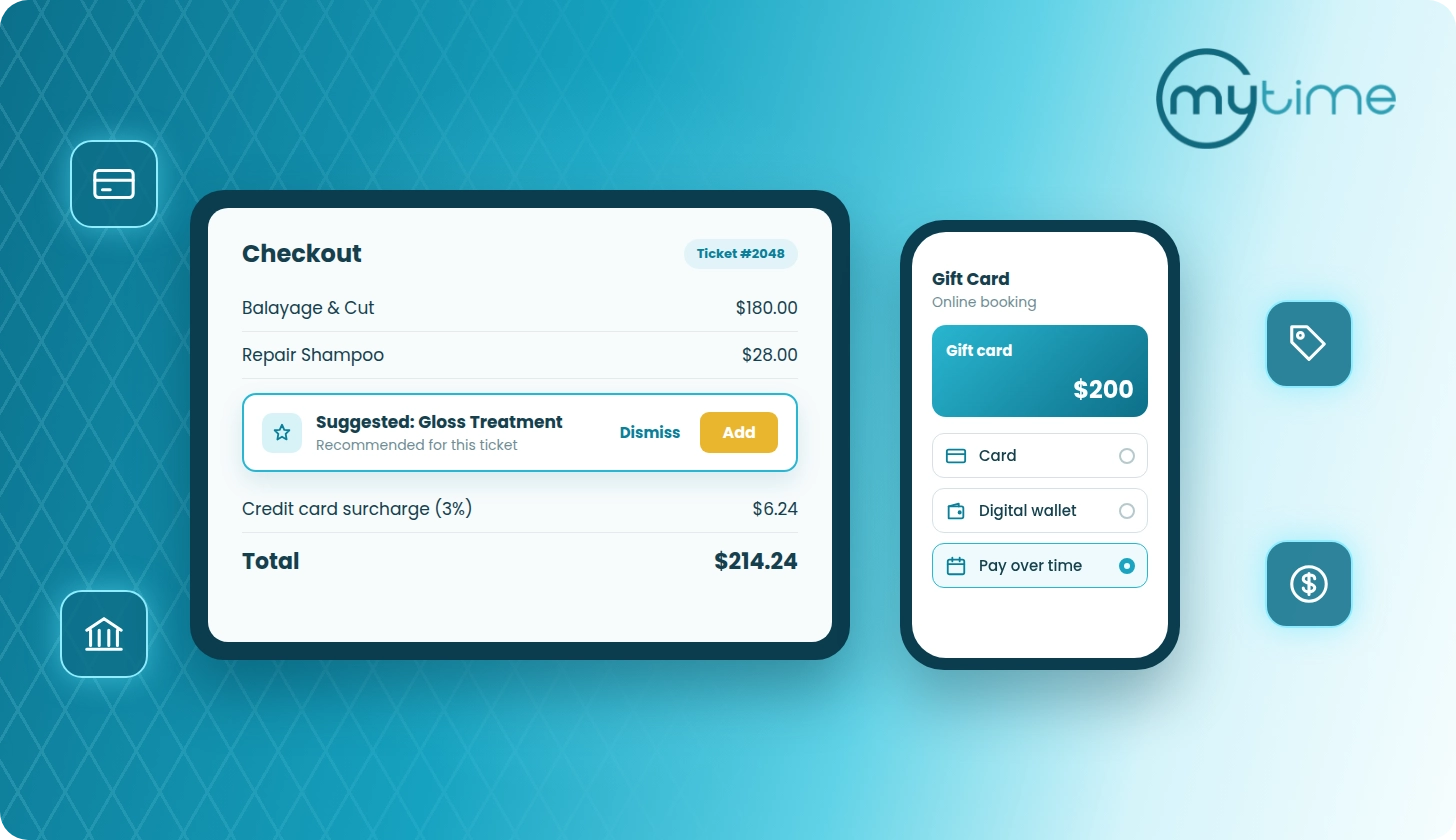


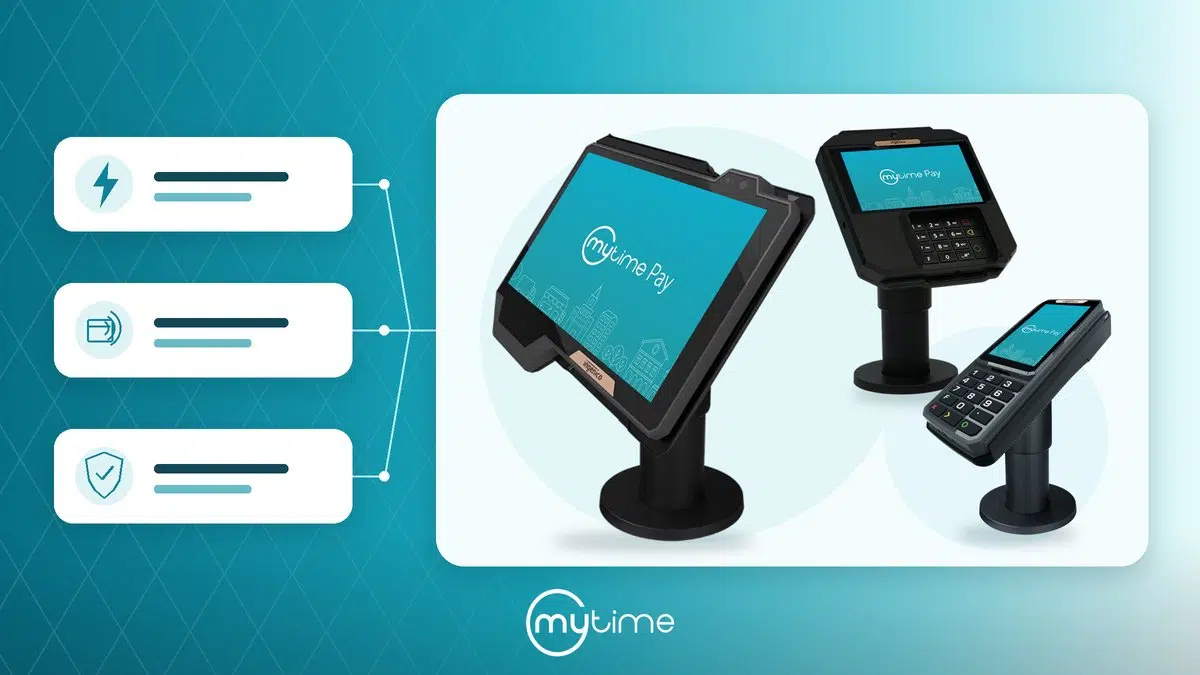


Give your front desk faster hardware, give your clients a modern payment experience, and keep the MyTime workflow your team already knows.
Your client has finished their visit. Your next appointment is arriving. You want checkout to keep pace with the rest of your business.
Upgrading to a newer Ingenico AXIUM payment terminal helps you move through that final step with faster hardware and a familiar touchscreen experience. With MyTime Pay, you keep taking payments inside MyTime while improving the device your team and clients use every day.
Start with your checkout needs. Compare the RX9000, RX7000, and RX5000, or contact MyTime Support about your upgrade.
Why upgrade your payment terminal?
Keep your front desk moving
You get a faster processor and more capable hardware than previous-generation terminals. That gives your busy front desk a better foundation for responsive checkout.
Think about the moments when payment matters most: several clients finishing at once, a retail purchase after a service, or a team member helping someone choose a tip. You want your terminal ready for each interaction.
Let your clients pay their way
Accept contactless payments, EMV chip cards, magnetic-stripe cards, Apple Pay, and Google Pay. You can meet clients’ payment preferences without asking them to change how they pay.
Upgrade your hardware without changing your MyTime workflow
Your team continues processing payments inside MyTime. You introduce a newer device while keeping the payment workflow familiar, so you can focus your rollout on setup and readiness at each location.
Move to a newer payment security standard
The AXIUM line carries PCI PTS v6 certification and EMV compliance. You move to hardware certified against a newer payment security standard as you refresh your checkout equipment.
Keep your checkout equipment current
Like any technology, payment terminals reach end of life and eventually lose support. Once support ends, limited repair and software-update options can leave your business more exposed to downtime and payment-security risks.
Refreshing your terminal is part of maintaining the equipment you depend on, especially when older hardware slows your front desk down. Review your current model with MyTime Support and plan your upgrade before a problem interrupts your business.
For more background, read MyTime’s overview of Ingenico AXIUM payment terminals.
Which Ingenico AXIUM terminal should you choose?
Choose around the way your front desk works: how much screen space you want, whether your clients prefer a physical keypad, and how you plan to connect the device.
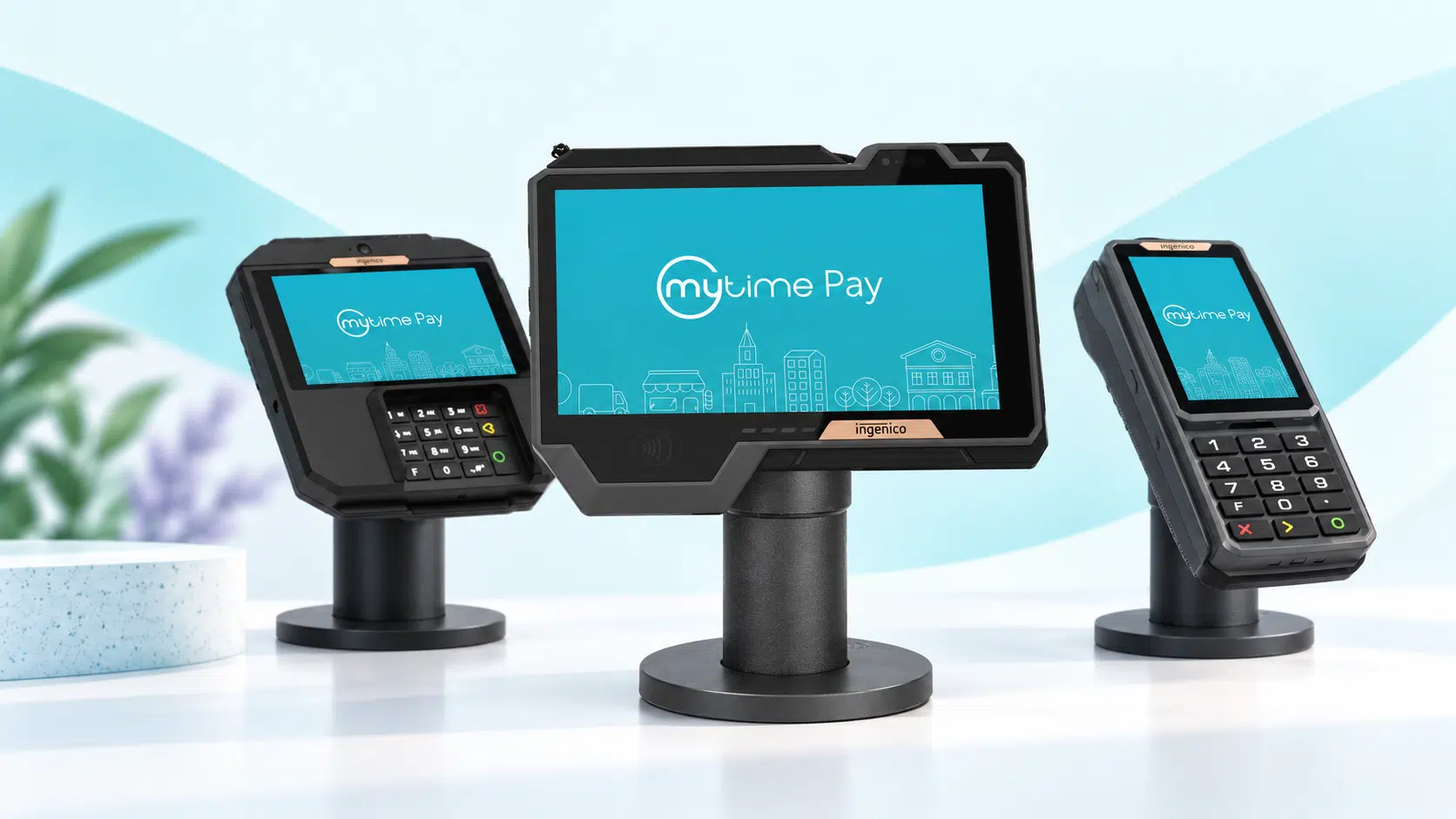
All three RX models below are countertop terminals.
| Your priority | Your terminal | What you get |
|---|---|---|
| A larger, premium customer-facing display | Ingenico AXIUM RX9000 | An 8-inch HD touchscreen, keypad-free design, and Ethernet plus WiFi connectivity |
| A wider screen for a busy checkout counter | Ingenico AXIUM RX7000 | A 5.5-inch touchscreen, with Ethernet or an Ethernet-plus-WiFi option |
| A compact design with a traditional keypad | Ingenico AXIUM RX5000 | A 4-inch touchscreen and physical keypad, with Ethernet or an Ethernet-plus-WiFi option |
Choose the RX9000 when the client-facing experience comes first
Give your clients more screen space to review information, select a tip, sign, or complete a waiver. The RX9000 suits a visible front desk where you want a polished, tablet-like display.
You get Ethernet and WiFi support on every RX9000. Plan for the required counter mount, Ethernet socket, and power supply, which you purchase separately.
View the RX9000 and required accessories.
Choose the RX7000 for a busy counter with a wider display
Use the RX7000 when you want a spacious touchscreen for payments, tipping, signatures, and client waivers. Its design supports intensive daily checkout use.
Choose the connectivity version before ordering: the base option connects through Ethernet; the WiFi option also supports Ethernet. You need the separately sold Ethernet socket and power supply, and you can add the recommended counter mount.
View the RX7000 and connectivity options.
Choose the RX5000 for compact, everyday value
Keep a traditional payment experience with a smaller touchscreen and a large physical keypad. You can still support tipping, signatures, and client waivers without choosing a larger display.
Select Ethernet or the Ethernet-plus-WiFi version to match your network. Include the required Ethernet socket and power supply in your order; you can also add the recommended counter mount.
View the RX5000 and connectivity options.
How do you upgrade your terminal with MyTime?
You can start by choosing a model or asking Support to help you compare your options. Use this planning sequence to prepare each location.
- Check your current setup. Note your terminal model, location, network connection, and how many devices you want to replace. For a multi-location rollout, list the needs of each front desk.
- Shop for your new terminal. Select the your new terminal. Contact MyTime Support or your account manager to discuss compatibility, accessories, availability, if you have any questions about replacing your current terminal.
- Connect and register your new terminal. Follow the MyTime Ingenico AXIUM setup guide to connect power and internet. Complete registration if your device has not already been registered to your MyTime account.
- Test before your team relies on it. Use the guide’s test-transaction instructions to confirm that your reader works. Ask Support about any remaining transition steps for your old device.
If you oversee multiple locations, choose a first location, confirm its setup, and use what you learn to plan the rest. Give each location a named contact and a clear installation window.
Make your next checkout upgrade count
You use your payment terminal throughout the day. Choose one that fits your counter, your clients, and the way your team works.
Review your preferred model, confirm the accessories and connection you need, and take the next step. For questions, contact your account manager or reach out to MyTime Support.
Questions about your AXIUM upgrade
Can you keep using MyTime Pay after upgrading?
Yes. You continue taking payments through MyTime Pay with your new supported Ingenico AXIUM terminal.
Does WiFi turn an RX terminal into a handheld device?
No. The RX9000, RX7000, and RX5000 are countertop models. Choose WiFi for network flexibility, rather than assuming it makes the terminal a portable payment device.
What should you include in your upgrade budget?
Include the terminal, its required accessories, and applicable shipping and taxes. Check the selected model and connectivity option on its product page, and confirm the complete cost with MyTime Support before purchasing.
Do you need to replace your old terminal by a specific date?
Confirm the support policy for your current model with MyTime Support. If your terminal has a confirmed support end date, plan your replacement around that date.